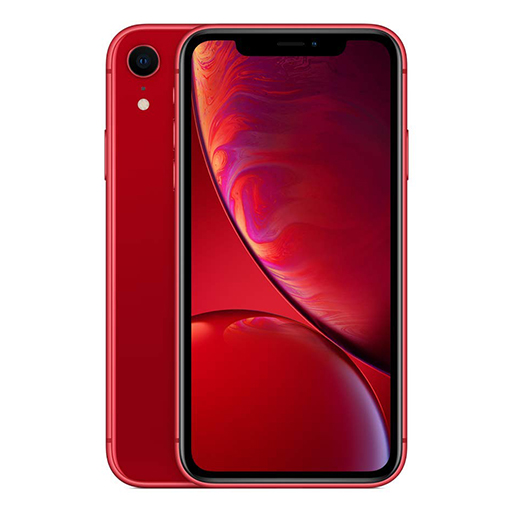
Do This First Before Bringing Your iPhone In
This matters more than most people realise.
- Do not try to charge it. Applying power to a wet phone accelerates short circuits and can cause permanent damage to components that might otherwise have been recoverable.
- Do not put it in rice. Rice does not draw moisture from inside the phone. It only absorbs surface moisture and wastes time while internal corrosion sets in.
- Do not use a hairdryer or direct heat. Heat warps internal components and makes the damage worse.
- Turn it off if it is still on and bring it to us as soon as possible. The faster we can get it open and dry, the better the outcome.
Signs Your iPhone Has Water Damage
- Unresponsive or flickering screen: Moisture affects the display and touch layer. Flickering, black patches, or a completely unresponsive screen after liquid exposure usually points to display or connector damage.
- Not charging or charging intermittently: Water in the charging port causes corrosion on the contacts. The port may also trigger moisture detection, which prevents charging as a safety measure.
- Muffled audio or no sound at all: Speaker membranes are particularly vulnerable to moisture. Water inside the earpiece or loudspeaker causes muffled output or complete audio failure.
- Random shutdowns or phone not turning on: Moisture reaching the logic board causes short circuits that trigger shutdowns or prevent the phone from powering on entirely.
- Corrosion visible on the SIM tray or charging port: A reddish or greenish tinge around metal contacts is a sign of active corrosion. The Liquid Contact Indicator inside the SIM tray turning red also confirms liquid exposure.
- Phone working initially but developing problems days later: Very common in Singapore’s humid climate. The phone seems fine right after getting wet but moisture left inside gradually corrodes components and symptoms appear later.
What Can and Cannot Be Recovered
Being honest about this upfront matters.
What we can often recover: Moisture damage caught early before significant corrosion has set in, charging port issues from liquid exposure, speaker and microphone damage from water, display issues caused by moisture in the connectors rather than the panel itself, and logic board faults where only minor components have been affected.
What is harder or not recoverable: Phones that have been left for several days after water exposure with active corrosion spreading across the logic board. Phones that were charged immediately after water damage causing short circuits across multiple components. Severe oxidation on the board where the corrosion has reached critical IC chips.
We assess this during the diagnostic and tell you clearly what the situation is before recommending any repair.
Note on Singapore’s Humidity: Singapore’s year-round humidity is higher than most countries. iPhones are not exposed to liquid damage only from drops into water. Daily sweating during outdoor use, heavy rain caught without a case, and storage in humid environments all contribute to moisture finding its way into the device over time. If your phone is showing intermittent faults with no obvious liquid exposure event, humidity related internal moisture is worth checking.
Our iPhone Water Damage Repair Process
- Full Internal Diagnostic: We disassemble the phone and inspect every component for moisture and corrosion. Battery, motherboard, display connectors, charging components, and audio system are all checked individually before we advise on what is repairable.
- Transparent Quote: Once we know the extent of the damage, we give you a clear upfront quote. If the damage is beyond recovery, we tell you that before charging for any repair work.
- Component Cleaning and Corrosion Treatment: Affected components are cleaned using professional grade solutions that remove moisture and corrosion without damaging surrounding parts. This is a far more effective process than any at-home method.
- Part Replacement Where Needed: Any component that cannot be restored through cleaning is replaced with a quality compatible part. We test each replaced component before reassembly.
- Full Function Testing: We test display, touch, charging, audio, camera and connectivity before handing your phone back. Everything confirmed working before you leave.
- Warranty Coverage: All water damage repairs come with warranty on parts and workmanship.
Frequently Asked Questions
1. What should I do immediately after my iPhone gets wet?
Turn it off if it is still on. Do not try to charge it, do not use rice, and do not use heat to dry it. Bring it in as soon as possible. Every hour matters when it comes to water damage recovery.
2. Can water damaged iPhones be fully repaired?
It depends on the extent of the damage and how quickly it is brought in. Phones with early stage moisture damage that have not been charged after exposure have the best recovery chances. Phones left for several days or charged immediately after water exposure are harder to recover. We tell you the honest assessment after the diagnostic.
3. My iPhone has water resistance. Why is it still damaged?
iPhone water resistance ratings apply to clean fresh water under controlled conditions. They degrade over time especially after drops, previous repairs, or exposure to saltwater, chlorinated water, or sweat. In Singapore’s humidity, the seals also wear faster than in drier climates. Water resistance does not mean waterproof.
4. How long does water damage repair take?
It depends on the extent of the damage. Minor moisture cleaning can be done the same day. More complex damage involving multiple components or the logic board can take one to three days. We give you a time estimate after the diagnostic.
5. Can you recover data from a water damaged iPhone that will not turn on?
In many cases yes. Component level repair can restore enough function to access data. Bring it in as soon as possible as prolonged corrosion reduces data recovery chances significantly.
6. How much does iPhone water damage repair cost in Singapore?
Pricing depends on which components are affected and what needs cleaning or replacing. We give you a clear upfront quote after the full internal diagnostic before any work begins. WhatsApp us your situation for an initial assessment.
7. Will my data be safe during the repair?
In most cases yes. We handle the device carefully and avoid any unnecessary data intervention. We recommend backing up before any repair if your phone is still accessible.
8. Which iPhone models do you support for water damage repair?
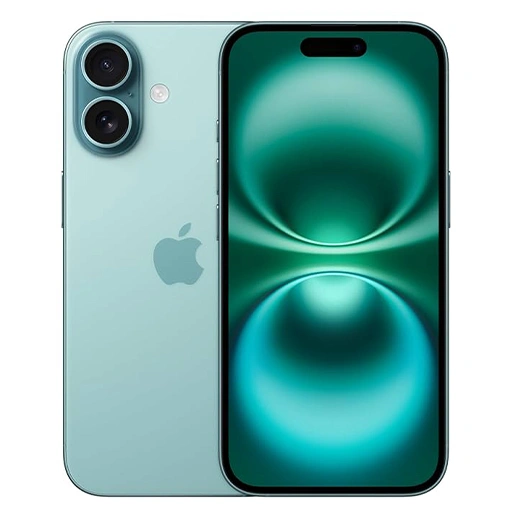
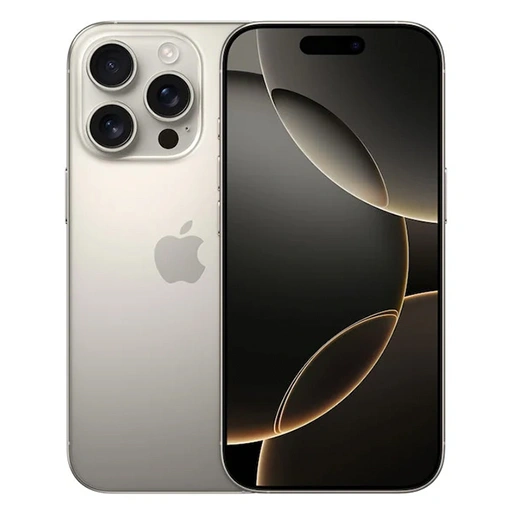
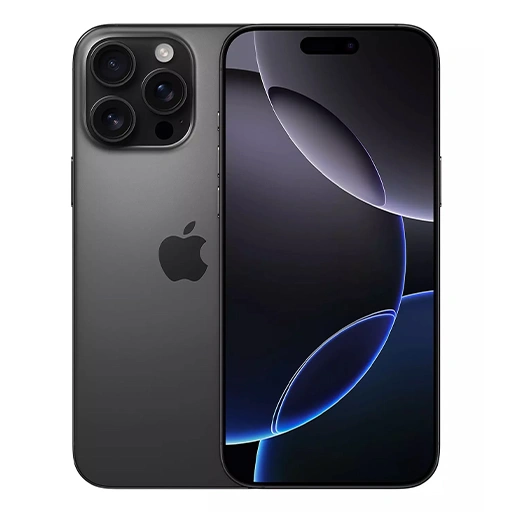
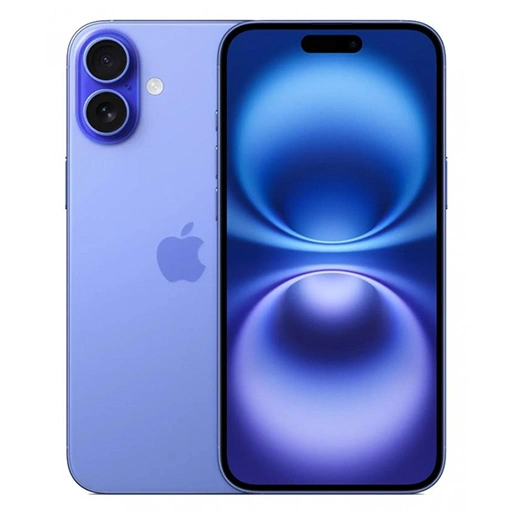
We handle water damage repair across all major iPhone models including the iPhone 17 series, iPhone 16 series, iPhone 15 series, iPhone 14 series, iPhone 13, iPhone 12, iPhone 11, iPhone X, XS, XR, iPhone SE and older models. Not sure about your model? WhatsApp us and we will confirm.
9. Do you offer walk-in service for water damage repair?
Yes. Walk-ins are welcome at all four branches at Tai Seng, Jurong, Woodlands and Bugis. The sooner you walk in after water exposure the better. For all other iPhone repair in SG beyond water damage, our main repair page covers everything we handle. Doorstep service is also available islandwide.
10. Do you provide warranty on water damage repairs?
Yes. All water damage repairs at LYK Repair come with warranty coverage on parts and workmanship.
Explore More iPhone Repair Services
Disclaimer — LYK Repair is an Independent Repair Provider and is not affiliated with Apple Inc. Apple is not responsible for any repairs performed by LYK Repair. All repairs are carried out by our trained technicians using genuine parts sourced from Apple for eligible models or quality tested alternatives for others.