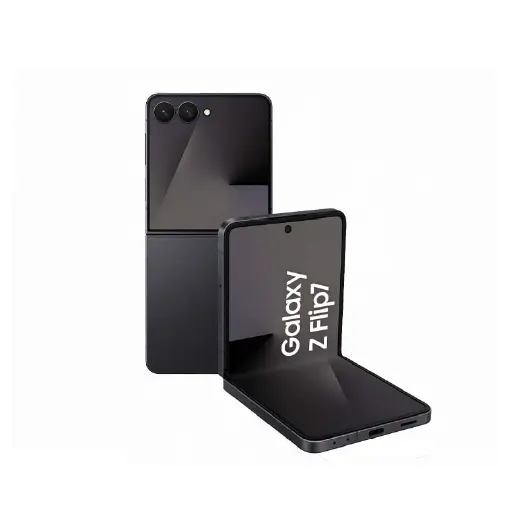
Samsung Charging Port Repair Service
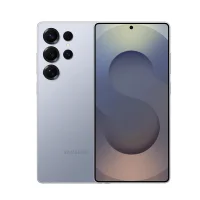
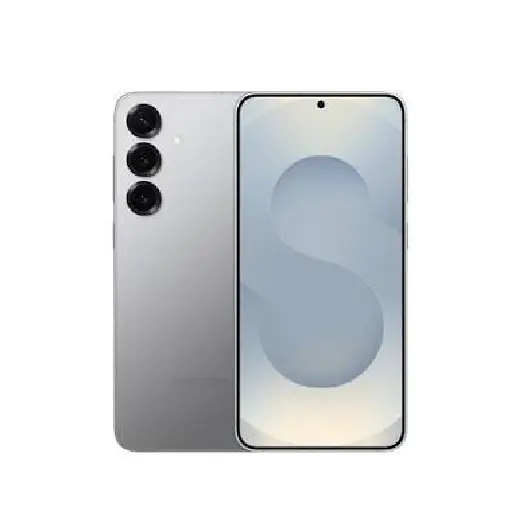
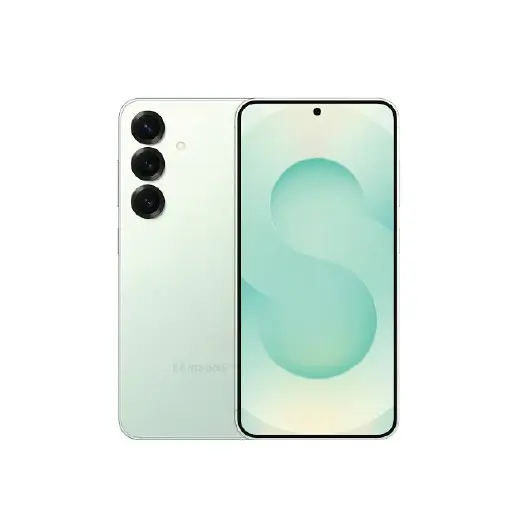
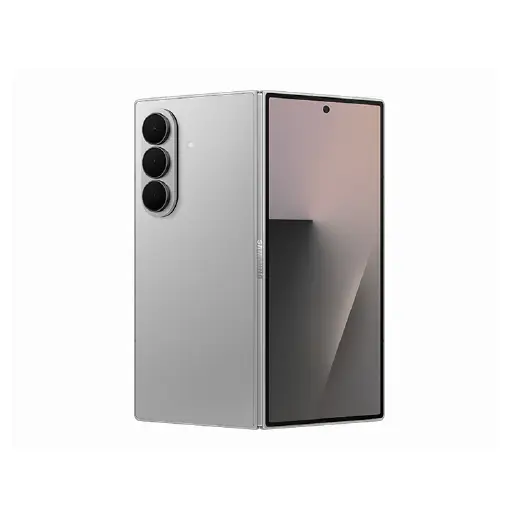
We handle charging port repairs and replacements for all Samsung Galaxy models including the S series, A series, Note series, Z Fold, and Z Flip across all generations.
All current Samsung Galaxy models use USB-C charging ports. When a port develops a fault, the issue can lie with the physical port connector, debris blocking the connection, corrosion from liquid exposure, or in some cases the charging IC on the logic board. We carry out a proper diagnostic before any work begins to identify the exact cause.
Where the fault is minor, our technicians can re-solder the internal connections at board level rather than replacing the full port assembly. This is a more precise repair that costs less and preserves more of the original hardware. Where a full port replacement is needed, we carry compatible parts for all Galaxy models and complete most jobs within 30 to 60 minutes.
We do not recommend cleaning the port yourself as improper cleaning often pushes debris deeper or damages the internal pins. Bring it in and we will assess it for free before recommending any work. For a full overview of all Samsung repairs we handle, visit our Samsung repair page.
Signs Your Samsung Charging Port Needs Repair
Charging port faults develop gradually and are often dismissed until charging stops altogether. Here are the common signs that need attention.
- Samsung not charging when plugged in: If your Samsung shows no charging indicator when plugged in and you have already tried a different cable and adapter, the charging port is likely the fault. Check the port first for visible debris before assuming it needs replacing.
- Charging only works at a certain angle: If you need to hold the cable at a specific angle to get your Samsung to charge, the USB-C port connectors have worn down or been physically damaged internally. This is a clear sign the port needs attention.
- Cable feels loose in the port: A USB-C cable that wobbles, does not sit securely, or falls out easily indicates the port has been physically damaged or worn with regular use.
- Slow or intermittent charging: If charging is noticeably slower than it used to be even with the original Samsung charger and cable, or keeps stopping and starting during a charge session, the port connection is unreliable and needs repair.
- Samsung not recognised by computer: If your Samsung is not detected when connected to a computer via USB-C, the port may have a data transfer fault alongside the charging issue. Both are handled during the same repair.
- Fast charging no longer working: If Samsung Fast Charging or Super Fast Charging has stopped working even with the original charger and cable, the port or charging IC may have developed a fault that is affecting power delivery.
- Visible damage or debris in the port: Lint, dust, or visible corrosion inside the USB-C port can prevent proper contact. In some cases a professional clean resolves the issue without a full port replacement.
Why Choose LYK Repair for Samsung Charging Port Replacement?
- Experienced Technicians: Our team has over 10 years of experience repairing Samsung charging ports across all Galaxy series. We handle everything from simple port cleans to board-level re-soldering and full port replacements.
- Board-Level Repair Where Possible: Where the fault is minor, we repair at board level rather than replacing the full port assembly. This is more cost-effective and preserves more of the original hardware.
- All Samsung Models Covered: We carry charging port parts for all Samsung Galaxy models across current and older generations. WhatsApp us to confirm availability for your specific model before coming in.
- Most Repairs Done in 30 to 60 Minutes: Most Samsung charging port repairs are completed within 30 to 60 minutes. We will give you a realistic timeline after the free diagnostic.
- Free Diagnosis Before Any Work Starts: We check the port first and confirm whether a clean, board-level repair, or full replacement is needed before recommending any work. No pressure and no charges if you decide not to proceed.
- Transparent Pricing: We give you a clear quote before any work begins. WhatsApp us your Samsung model for a quote before coming in.
- 100-Day Warranty: Every charging port repair is backed by a 100-day warranty. If the issue recurs within that period, we will address it at no extra cost.
- Islandwide Doorstep Service: Prefer not to travel? We offer islandwide doorstep repair service for a flat fee of $25. A technician will come to your home or office.
- Multiple Branches Across Singapore: We have branches in Jurong, Tai Seng, Woodlands, and Bugis. Walk in anytime or WhatsApp ahead to check parts availability for your Samsung model.
How Samsung Charging Port Repair Works at LYK Repair
- Contact Us: WhatsApp, call, or walk into any of our branches. Tell us your Samsung model and the charging issue you are experiencing.
- Free Diagnostic and Quote: We assess the port and confirm whether a clean, board-level repair, or full replacement is needed. We give you a clear upfront quote before any work begins. No obligations.
- Charging Port Repair or Replacement: Our technicians repair or replace the charging port using quality parts matched to your specific Samsung model. Most jobs are completed within 30 to 60 minutes.
- Testing and Handover: We verify charging is working correctly, confirm fast charging is functioning as expected, and run through the full device before handing it back. Your Samsung leaves with a 100-day warranty on the repair.
Frequently Asked Questions
1. How long does Samsung charging port repair take in Singapore?
Most Samsung charging port repairs are completed within 30 to 60 minutes depending on the model and extent of the fault. We will give you a clear timeline after the free diagnostic before any work begins.
2. How much does Samsung charging port repair cost in Singapore?
Pricing varies depending on your Samsung model and whether a clean, board-level repair, or full replacement is needed. WhatsApp us with your model number and we will send you an exact quote before you come in. No hidden fees and no surprises.
3. How do I know if my Samsung charging port needs repair or replacement?
If the port has visible debris or lint, a professional clean may resolve the issue without replacement. If the port is physically damaged, bent, corroded, or the connection is loose, a repair or replacement is needed. We assess this during the free diagnostic and advise on the most appropriate fix before any work begins.
4. Can a dirty Samsung charging port be cleaned instead of replaced?
Yes in some cases. If lint or debris is blocking the port, a professional clean may restore full charging without a replacement. We always check this first during the free diagnostic before recommending any further work.
5. What causes a Samsung charging port to fail?
Common causes include physical wear from regular plugging and unplugging, debris buildup inside the port, liquid exposure causing corrosion, physical damage from dropping the phone with a cable connected, and in some cases a fault in the charging IC on the logic board.
6. Can Samsung fast charging still work after a port repair?
Yes. A quality port repair restores full fast charging capability. If fast charging does not work after a port repair, it may point to a charging IC issue on the logic board which we will identify during the diagnostic before any work begins.
7. Will my data be safe during a Samsung charging port repair?
Yes. Charging port repair does not require any access to your data or a factory reset. Your files, contacts, photos, and settings remain untouched throughout the repair process.
8. What if the charging fault is not the port?
In some cases charging issues are caused by a fault in the charging IC on the logic board rather than the port itself. We identify this during the free diagnostic before recommending any repair so you are never charged for work that does not fix the problem.
9. Do you repair Samsung charging ports for all models?
Yes. We handle charging port repairs for all Samsung Galaxy models including the S series, A series, Note series, Z Fold, and Z Flip across all generations. WhatsApp us with your model number and we will confirm parts availability before you come in.
10. Do you offer a warranty on Samsung charging port repairs?
Yes. All Samsung charging port repairs at LYK Repair come with a 100-day warranty. If the issue recurs within that period, we will address it at no extra cost.