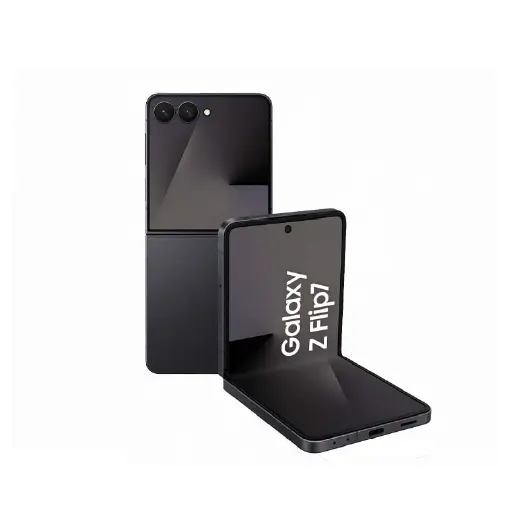
Samsung Motherboard Repair Service
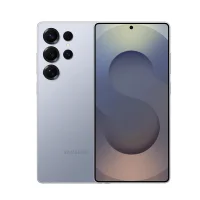
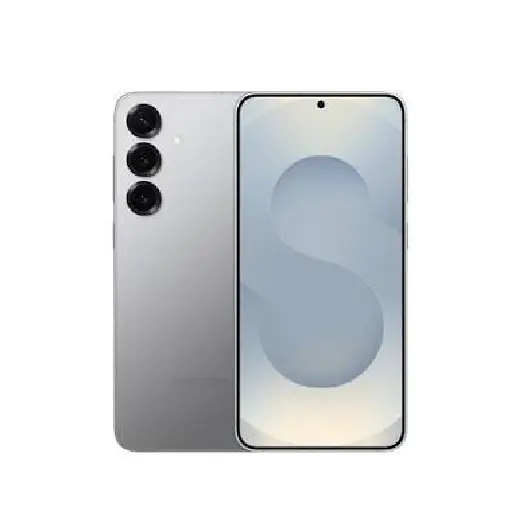
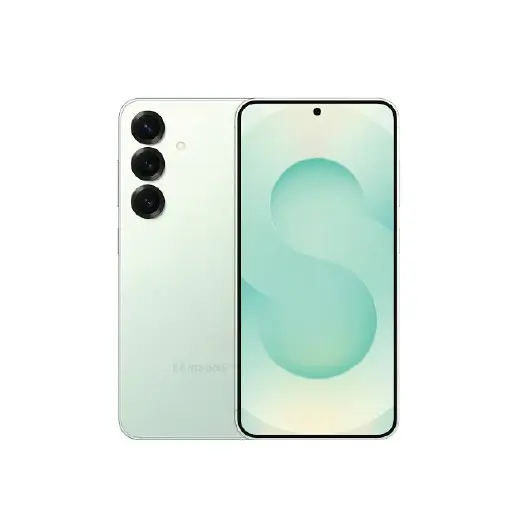
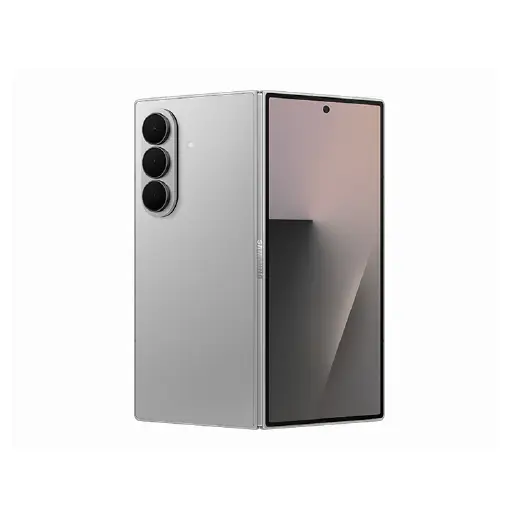
We handle motherboard repairs for all Samsung Galaxy models including the S series, A series, Note series, Z Fold, and Z Flip across all generations.
The motherboard, also referred to as the logic board, is the central component that controls all functions on your Samsung. When it develops a fault, the symptoms can be wide-ranging and are often difficult to diagnose without proper equipment.
At LYK Repair, our technicians carry out board-level diagnostics to identify the exact component or circuit causing the issue. Common motherboard repairs we handle include:
- Audio IC repair
- Power IC repair
- Charging IC repair
- Touch IC repair
- Display IC repair
- Wi-Fi IC and Baseband IC repair
- NAND storage chip repair
- Shorted motherboard repair
- Water damage corrosion cleaning and component replacement
Motherboard repair involves fixing or replacing specific damaged components on the existing board. This is our preferred approach as it is more cost-effective and in most cases preserves your data. Motherboard replacement involves replacing the entire board and almost always results in complete data loss. We always attempt board-level repair first before recommending a replacement.
Most motherboard repairs are completed within 1 to 3 working days depending on the fault. Complex cases may take longer and we will give you a clear timeline and honest assessment after the free diagnostic before any work begins. For a full overview of all Samsung repairs we handle, visit our Samsung repair page.
A Note on Data Safety: Most motherboard repairs do not require a factory reset and your data should remain intact. However we always recommend backing up your Samsung before bringing it in for any repair as a precaution. If your specific repair requires a reset or board replacement, we will inform you before any work begins.
Signs Your Samsung May Have a Motherboard Fault
Motherboard faults are often mistaken for simpler issues because the symptoms overlap with battery, charging, and software problems. Here are the signs that point specifically to a board-level fault.
- Samsung will not power on: If your Samsung shows no response when pressing the power button and does not react to charging, the fault may lie with the motherboard rather than the battery or charging port.
- Stuck in a boot loop: If your Samsung keeps restarting repeatedly or gets stuck on the Samsung logo during startup, the motherboard or a component on it may be failing.
- Random shutdowns or freezing: If your Samsung shuts down unexpectedly during normal use, freezes frequently without warning, or becomes unresponsive and requires a force restart, a hardware fault on the board is likely.
- Overheating during light use: Excessive heat during simple tasks like browsing or messaging can indicate a failing component on the motherboard rather than a battery issue.
- No display despite the device being on: If the Samsung appears to be on, it vibrates or makes sounds, but the display remains completely blank, the display IC on the motherboard may have failed.
- Wi-Fi, Bluetooth, or mobile signal not working: Persistent connectivity failures that do not resolve after a software reset can point to a faulty Wi-Fi IC, Baseband IC, or other connectivity component on the motherboard.
- No sound from any source: If audio has stopped working completely through both the speaker and headphones and a software reset has not helped, the Audio IC on the motherboard may be the cause.
- Samsung not charging despite port and cable being fine: If the charging port and cable have already been checked and ruled out, the charging IC on the motherboard may be the fault preventing the device from charging.
Why Choose LYK Repair for Samsung Motherboard Repair?
- Board-Level Repair Expertise: Our technicians carry out board-level diagnostics and micro-soldering repairs on Samsung motherboards. We repair only what is necessary rather than recommending a full replacement unnecessarily.
- Data Preservation: We prioritise board-level repair over replacement to protect your data. Where a repair is possible, we will always attempt it first before recommending a replacement.
- All Samsung Models Covered: We handle motherboard repairs for all Samsung Galaxy models across all series and generations. WhatsApp us with your model and symptoms and we will advise you before you come in.
- Free Diagnosis Before Any Work Starts: We assess your Samsung and give you an honest recommendation before any work begins. No pressure and no charges if you decide not to proceed.
- Transparent Pricing: We give you a clear quote before any work begins. WhatsApp us your Samsung model and symptoms for a quote before coming in.
- 100-Day Warranty: Every motherboard repair is backed by a 100-day warranty on the repaired components. If the issue recurs within that period, we will address it at no extra cost.
- Multiple Branches Across Singapore: We have branches in Jurong, Tai Seng, Woodlands, and Bugis. Walk in anytime or WhatsApp ahead to discuss your motherboard issue before coming in.
Frequently Asked Questions
1. How long does Samsung motherboard repair take in Singapore?
Most Samsung motherboard repairs are completed within 1 to 3 working days depending on the fault and components involved. Complex cases may take longer and we will give you a clear timeline after the free diagnostic.
2. How much does Samsung motherboard repair cost in Singapore?
Pricing varies significantly depending on the fault and the specific component that needs repairing. WhatsApp us with your Samsung model and the symptoms you are experiencing and we will advise you on the likely repair and cost before you come in.
3. Is it worth repairing a Samsung motherboard in Singapore?
In most cases yes. Board-level component repair is significantly more affordable than a full motherboard replacement and preserves your data. We will give you an honest assessment after the free diagnostic so you can decide.
4. What is the difference between Samsung motherboard repair and replacement?
Motherboard repair involves fixing specific damaged components on the existing board. This is more cost-effective and in most cases preserves your data. Motherboard replacement involves replacing the entire board and almost always results in complete data loss. We always attempt repair first before recommending replacement.
5. Will my data be safe during a Samsung motherboard repair?
Board-level repairs do not typically require a factory reset and your data should remain intact in most cases. We always recommend backing up your Samsung before any repair. If your repair requires a reset or board replacement, we will inform you before any work begins.
6. Can water damage cause Samsung motherboard faults?
Yes. Liquid exposure is one of the most common causes of motherboard damage. Water causes corrosion on the board and its components over time, often causing faults that appear hours or days after the initial exposure. Bring your Samsung in as soon as possible if it has been exposed to liquid and do not attempt to charge it first.
7. Can a Samsung motherboard fault cause charging issues?
Yes. A faulty charging IC on the motherboard can cause charging failures that look exactly like a charging port fault. We identify this during the free diagnostic before recommending any repair so you are never charged for work that does not fix the problem.
8. Do you repair Samsung motherboards for all models?
Yes. We handle motherboard repairs for all Samsung Galaxy models including the S series, A series, Note series, Z Fold, and Z Flip across all generations. WhatsApp us with your model and symptoms and we will advise you before you come in.
9. Can a Samsung motherboard be repaired after physical damage from a drop?
Yes in many cases. Physical damage from a drop can cause connector faults, cracked solder joints, or damaged IC components that our technicians can identify and repair at board level. We will assess the extent of the damage after the free diagnostic and advise on repair options before any work begins.
10. Do you offer a warranty on Samsung motherboard repairs?
Yes. All Samsung motherboard repairs at LYK Repair come with a 100-day warranty on the repaired components. If the issue recurs within that period, we will address it at no extra cost.