
MacBook Charging Port Repair Singapore
If your MacBook is not charging, only charges at a certain angle, or the charger and charging port are showing signs of damage, this page covers the charger and charging port repair service we offer for all MacBook models. Most repairs are completed within 60 to 90 minutes.
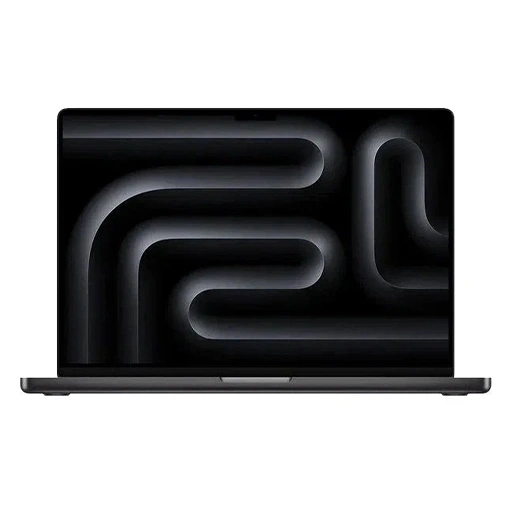
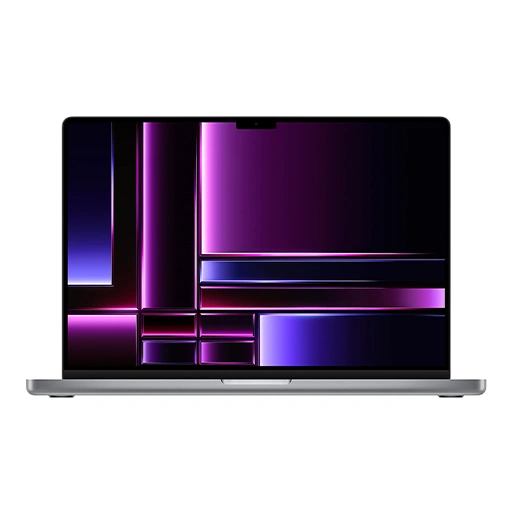
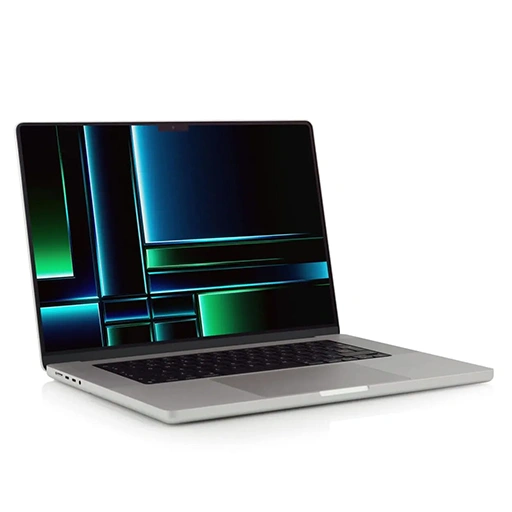

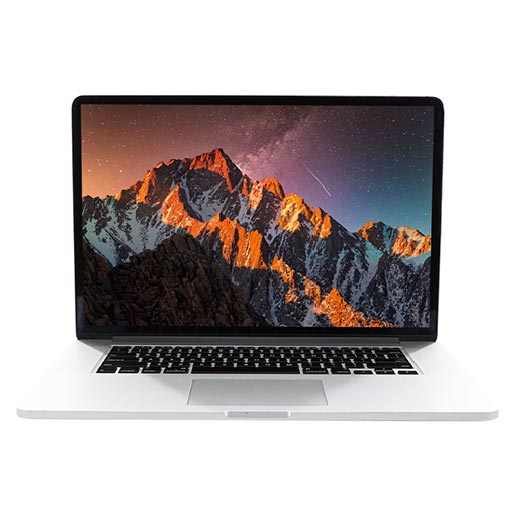
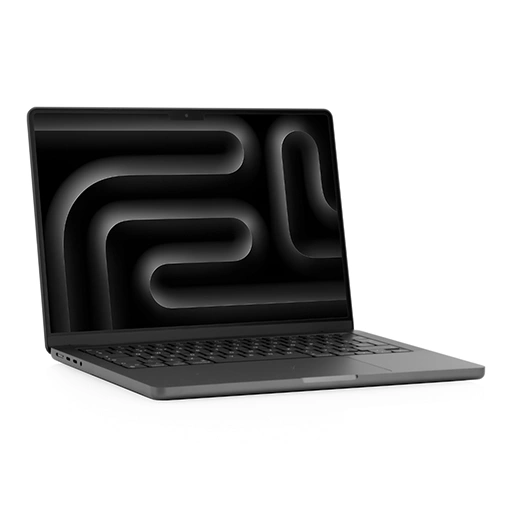
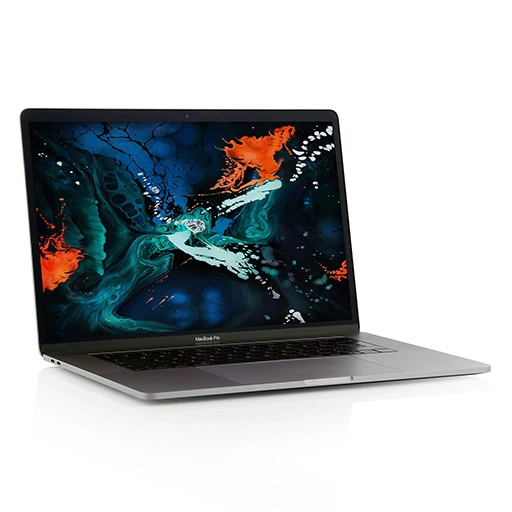


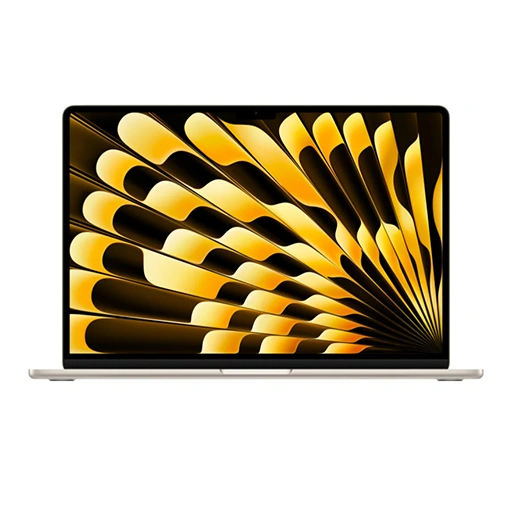
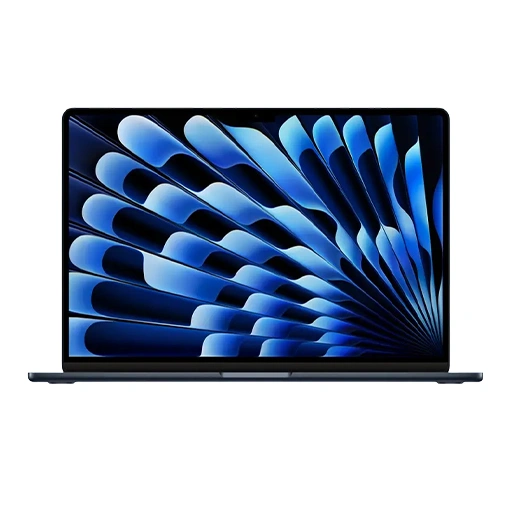
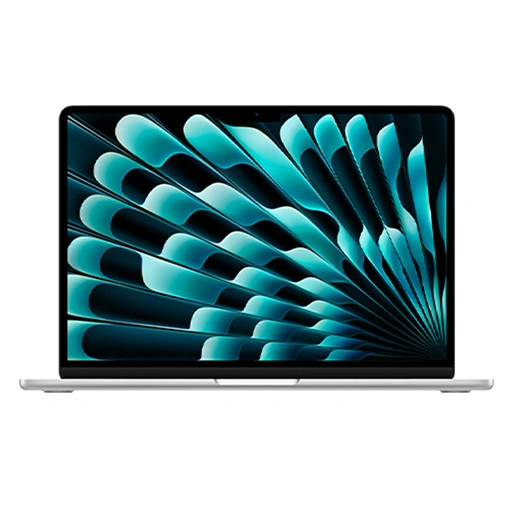
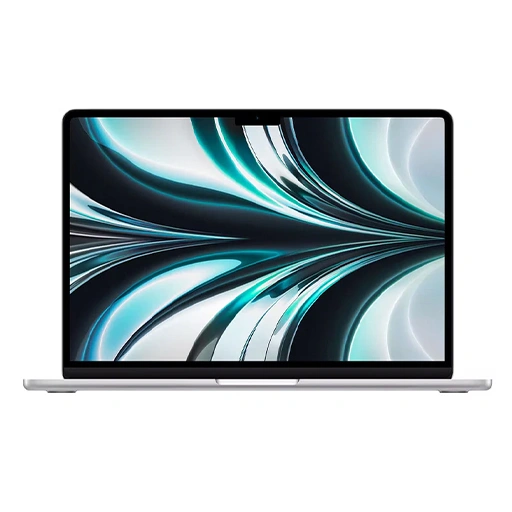


MacBook Charger and Charging Port Repair Service
We handle charger and charging port repairs for all MacBook models including MacBook Pro, MacBook Air, and the standard MacBook across all generations.
MacBook charging systems vary by model. Older MacBook Pro and Air models use MagSafe 2 connectors while models from 2015 to 2018 use USB-C ports. MacBook Pro models from 2021 onwards use MagSafe 3 alongside USB-C. Understanding which charging system your MacBook uses helps us identify the right repair before any work begins.
In some cases, what appears to be a charging port or charger fault is actually a charging IC issue on the logic board. The charging IC controls power delivery to the MacBook and a fault here can mimic a port failure. We carry out a proper diagnostic before any work begins to identify the exact cause so you are never charged for a repair that does not fix the problem.
Most charging port and charger repairs are completed within 60 to 90 minutes. We are trained for eligible repairs under the Independent Repair Provider (IRP) programme and where applicable use genuine parts sourced from Apple for MacBook charging repairs. For repairs outside the IRP scope, we use high-quality parts that meet the performance standards your MacBook needs. For a full overview of all MacBook repairs we handle, visit our MacBook repair page.
MacBook Models We Cover for Charger and Charging Port Repair
We carry parts for a wide range of MacBook models including:
MacBook Pro: All MacBook Pro models including MagSafe 2, USB-C, and MagSafe 3 variants across Intel and M-series generations.
MacBook Air: All MacBook Air models including MagSafe 2, USB-C, and MagSafe 3 variants across Intel and M-series generations.
Standard MacBook: MacBook 12-inch across all generations using USB-C.
Not sure which charging system your MacBook uses or whether the fault is the charger or the port? WhatsApp us your model number and we will advise you before you come in.
Signs Your MacBook Charger or Charging Port Needs Repair
Charging faults on MacBooks can originate from the charger adapter, the cable, or the charging port on the MacBook itself. Here are the common signs that need attention.
- MacBook not charging when plugged in: If your MacBook shows no charging indicator when plugged in and you have already tried a different power outlet, the fault may lie with the charger adapter, the cable, or the charging port.
- Charging only works at a certain angle: If you need to position the cable at a specific angle to get the MacBook to charge, the charging port connectors have worn down or been physically damaged. This is a port fault not a charger fault.
- MagSafe connector not attaching securely: If the MagSafe connector feels loose, does not click into place firmly, or falls out easily, the port connectors have worn and need attention.
- Charger overheating abnormally: Some heat from the charger adapter during charging is normal. Excessive heat, a burning smell, or a charger that becomes too hot to touch indicates a fault that needs immediate attention.
- Frayed or damaged cable: Visible fraying, exposed wires, or physical damage along the cable are safety concerns that also affect charging performance. A damaged cable should be replaced promptly.
- Intermittent charging that stops and starts: If charging is inconsistent, cutting out during a charge session or only working sometimes, there is a fault in the charger, cable, or port connection that needs diagnosis.
- Slow charging or not reaching full charge: If your MacBook charges significantly slower than it used to or stops charging before reaching 100%, the issue could be the charger, the port, or in some cases the battery or charging IC on the logic board.
- Charging indicator light not turning on: On MagSafe models, the charging light should illuminate when connected. If the light does not come on despite the MacBook being plugged in, there is a fault in the charging system that needs diagnosis.
Why Choose LYK Repair for MacBook Charger Repair?
- Trained Technicians: Our technicians are trained for eligible repairs under the Independent Repair Provider (IRP) programme and have hands-on experience across all MacBook charging systems including MagSafe 2, USB-C, and MagSafe 3.
- Genuine Parts Where Applicable: Where the IRP programme applies, we use genuine parts sourced from Apple. For other models, we use high-quality parts matched to your specific MacBook model.
- Free Diagnosis Before Any Work Starts: We assess your MacBook first and confirm whether the fault is in the charger, the port, or the logic board before recommending a repair. No pressure and no charges if you decide not to proceed.
- Transparent Pricing: We give you a clear quote before any work begins. WhatsApp us your MacBook model for a quote before coming in.
- Fast Turnaround: Most charger and charging port repairs are completed within 60 to 90 minutes so you are not without your MacBook for long.
- 100-Day Warranty: Every charger and charging port repair is backed by a 100-day warranty. If the issue recurs within that period, we will address it at no extra cost.
- Islandwide Doorstep Service: Prefer not to travel? We offer islandwide doorstep repair service for a flat fee of $25. A technician will come to your home or office.
- Multiple Branches Across Singapore: We have branches in Jurong, Tai Seng, Woodlands, and Bugis. Walk in anytime or WhatsApp ahead to check parts availability for your specific MacBook model.
How MacBook Charger Repair Works at LYK Repair
- Contact Us: WhatsApp, call, or walk into any of our branches. Tell us your MacBook model and the charging issue you are experiencing.
- Free Diagnostic and Quote: We assess the charging system and give you a clear upfront quote before any work begins. No obligations.
- Charger or Port Repair: Our technicians repair or replace the faulty component using genuine or high-quality parts matched to your specific model. Most jobs are completed within 60 to 90 minutes.
- Testing and Handover: We verify charging is working correctly, confirm the charging indicator is responding as expected, and run through the full device before handing your MacBook back. Your MacBook leaves with a 100-day warranty on the repair.
Frequently Asked Questions
1. How long does MacBook charger repair take in Singapore?
Most MacBook charger and charging port repairs are completed within 60 to 90 minutes depending on the model and the nature of the fault. We will give you a clear timeline after the free diagnostic before any work begins.
2. How do I know if the problem is my MacBook charger or the charging port?
If the charger works on another MacBook, the fault is likely in the port on your device. If the charger does not work on any MacBook, the fault is likely the adapter or cable. Bring both your MacBook and charger in for a free diagnostic and we will identify the exact cause before recommending a repair.
3. Can a MacBook charging port be repaired?
Yes. Worn connectors, debris in the port, and physical damage to the port are all issues we handle. In some cases a professional clean resolves the issue without a full port replacement. We assess this during the free diagnostic and advise on the most cost-effective fix.
4. What is the difference between MagSafe and USB-C charging on MacBooks?
MagSafe is a magnetic charging connector used on older MacBook Pro and Air models and reintroduced on MacBook Pro models from 2021 onwards as MagSafe 3. USB-C is used on MacBook models from 2015 and MacBook Pro and Air models from 2016 to 2020. Both can develop the same charging faults and we repair both at all our branches.
5. Is it worth repairing a MacBook charging port in Singapore?
Yes. Charging port repair is significantly more affordable than replacing the device and restores full charging functionality. If your MacBook is otherwise functioning well, a port repair is one of the most cost-effective repairs you can make.
6. Can a MacBook charger be repaired?
In some cases yes. If the fault is in the cable rather than the adapter circuitry, a repair may be possible. However for most charger faults a replacement is the safer and more reliable long-term solution. We will advise you after the diagnostic on whether a repair or replacement is the right call.
7. Do you use genuine parts for MacBook charger and charging port repairs?
Where applicable under the Independent Repair Provider (IRP) programme, we use genuine parts sourced from Apple. For models outside the IRP scope, we use high-quality parts that meet the performance standards your MacBook needs.
8. Will my data be safe during a MacBook charging port repair?
Yes. Charging port repair does not require any access to your data or a factory reset. Your files, settings, and applications remain untouched throughout the repair process.
9. What if the charging fault is not the port or the charger?
In some cases charging issues are caused by a fault in the charging IC on the logic board rather than the port or charger itself. We identify this during the free diagnostic before recommending any repair so you are never charged for work that does not fix the problem.
10. Do you offer a warranty on MacBook charger and charging port repairs?
Yes. All MacBook charger and charging port repairs at LYK Repair come with a 100-day warranty. If the issue recurs within that period, we will address it at no extra cost.
Explore More MacBook Repair Services
MacBook Battery Replacement | MacBook Screen Repair | MacBook Keyboard Repair | MacBook Fan Repair | MacBook Touch Bar Repair
Disclaimer — LYK Repair is an Independent Repair Provider and is not affiliated with Apple Inc. Apple is not responsible for any repairs performed by LYK Repair. All repairs are carried out by our trained technicians using genuine parts sourced from Apple for eligible models or quality tested alternatives for others.
Our Locations
Visit any of our 4 branches across Singapore — walk-ins are welcome
- Name : LYK Mobile Repair In Jurong East
- Address : 2 Venture Dr, #02-15 Vision Exchange, Singapore 608526
- Direction : Find us on Google Maps
-
Operating Hours:
Monday to Sunday : 11:00 AM - 9 PM
- Name : LYK Mobile Repair In Tai Seng
- Address : 1 Irving Place, The Commerze@irving #06-07 Singapore 369546
- Direction : Find us on Google Maps
-
Operating Hours :
Monday to Sunday : 11:00 AM - 9 PM
- Name : LYK Mobile Repair In Woodlands
- Address: 12 Woodlands Square , Woods Square Tower 1 #12-65 Singapore 737715
- Direction : Find us on Google Maps
-
Operating Hours:
Monday to Sunday : 11:00 AM - 9 PM
- Name : LYK Mobile Repair In Bugis
- Address : 470 North Bridge Rd, Bugis Cube #02-06, Singapore 188735
- Direction : Find us on Google Maps
-
Operating Hours:
Monday to Sunday : 11:00 AM - 9 PM