Samsung Water Damage Repair Service
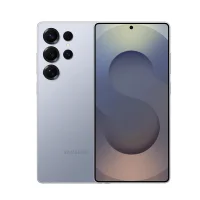
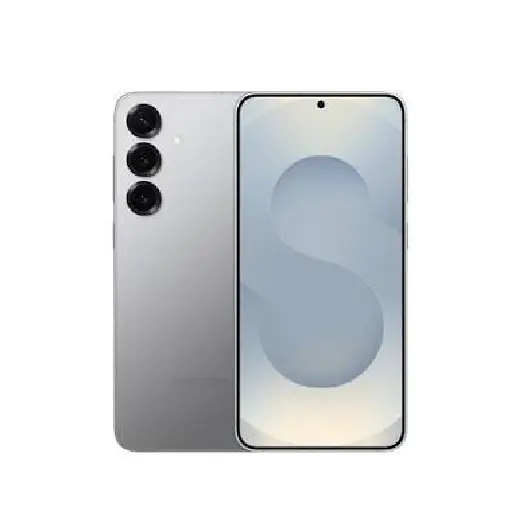
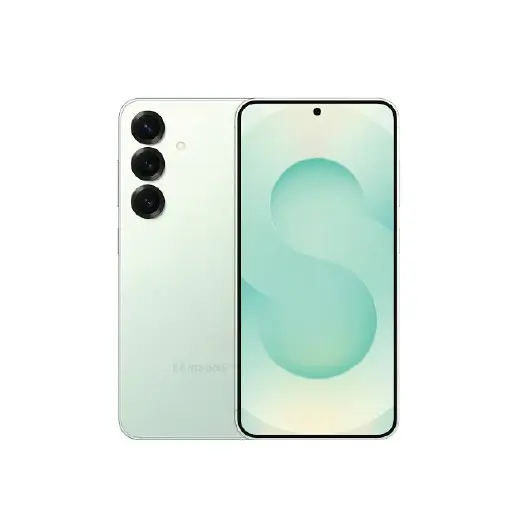
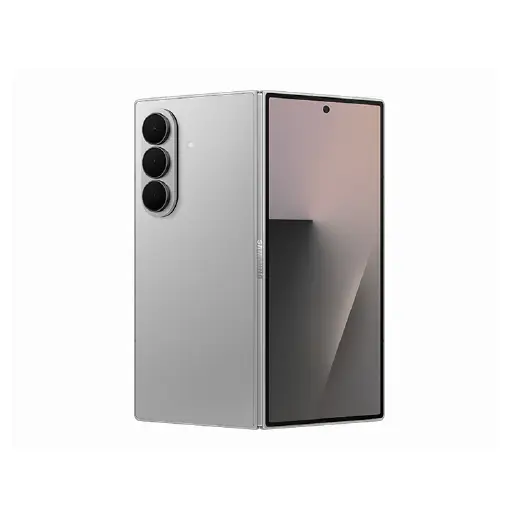
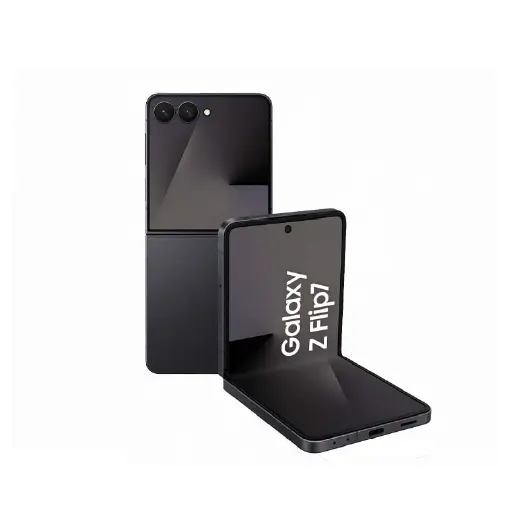
We handle water damage repair for all Samsung Galaxy models including the S series, A series, Note series, Z Fold, and Z Flip across all generations.
Many Samsung Galaxy models carry an IP67 or IP68 water resistance rating. This means the phone can withstand water exposure under controlled conditions. However IP ratings diminish over time as the seals wear, and they do not cover saltwater, pool water with chlorine, or pressure-related exposure. A phone with an IP rating can still be damaged by water and should be assessed if it has been submerged or heavily exposed.
Our water damage repair process involves a full internal inspection followed by a professional chemical wash to remove corrosion and liquid residue from the logic board and all affected components. The chemical wash uses high-purity solvents to clean the board thoroughly and is the most effective way to address liquid damage at a component level.
The cost of the chemical wash and diagnostic is separate from any parts that may need replacing as a result of the damage. After the chemical wash we assess which components have been affected and advise on any additional repairs before any further work begins. You will always know the full cost before we proceed.
Water damage repairs typically take 1 to 2 working days depending on the extent of the damage. The sooner the device is brought in after exposure, the higher the chances of a successful recovery. For a full overview of all Samsung repairs we handle, visit our Samsung repair page.
Note on Data Safety: In many cases water damage repair does not affect your data. However the outcome depends on the extent of the damage and how quickly the device was brought in. We always recommend attempting to back up your Samsung before any repair if the device is still functional. If your data cannot be backed up before the repair, let us know and we will take extra care during the assessment.
Signs Your Samsung Has Water Damage
Water damage is not always immediately obvious. Some faults appear straight away while others develop hours or days later as corrosion sets in internally. Here are the common signs to watch for.
- Screen unresponsive or flickering after liquid exposure: Moisture affecting the display or digitiser causes touch sensitivity to drop or fail completely. A flickering or discoloured screen after liquid exposure points to internal water damage.
- Samsung will not turn on after getting wet: If your Samsung shows no response after liquid exposure, the board-level components may have short-circuited. Do not attempt to charge or force a restart before it has been assessed.
- Speaker producing muffled or distorted sound: Water in the speaker grille or inside the speaker component causes muffled audio or crackling that does not clear on its own after the phone dries out.
- Overheating after liquid exposure: Excessive heat during charging or normal use following liquid exposure can indicate a short circuit or corroded component on the motherboard.
- Charging issues after liquid exposure: If your Samsung stops charging or charges intermittently after getting wet, the charging port or charging IC on the board may have been affected by the liquid.
- Wi-Fi, Bluetooth, or mobile signal not working: Liquid reaching the connectivity components on the motherboard can cause persistent signal drops or complete connectivity failure that appears days after the initial exposure.
- Moisture warning indicator triggered: Samsung phones have a liquid detection feature that shows a moisture warning when liquid is detected in the charging port. If this warning appears after exposure, bring the phone in rather than attempting to charge it.
- Faults appearing days after exposure: One of the most common patterns with water damage is a phone that appears to work normally immediately after getting wet but develops faults hours or days later as corrosion spreads internally. Do not assume the phone is fine just because it worked right after getting wet.
What Not to Do After Your Samsung Gets Wet
Before bringing your Samsung in, avoid the following as they worsen the damage:
- Do not attempt to charge your Samsung as this can cause short circuits and permanent board damage
- Do not press the power button repeatedly as forcing a restart on a wet device risks further damage
- Do not use a hairdryer or place the device in sunlight as heat accelerates corrosion internally
- Do not put it in rice as rice does not absorb moisture from inside the device and can introduce debris into the ports
- Do not shake the phone vigorously as this spreads liquid to components that were not initially affected
Why Choose LYK Repair for Samsung Water Damage Repair?
- Experienced Technicians: Our team has experience handling Samsung water damage repairs across all Galaxy series. We carry out professional chemical washes and board-level component repairs to give your device the best chance of full recovery.
- Professional Chemical Wash: We use high-purity solvents to clean the board thoroughly rather than basic drying methods that leave corrosion behind.
- Transparent Pricing: Chemical wash cost and parts replacement cost are quoted separately so you always know exactly what you are paying for before any work begins.
- Free Diagnosis Before Any Work Starts: We assess your Samsung and give you an honest picture of the damage before recommending any repair. No pressure and no charges if you decide not to proceed.
- 100-Day Warranty: All repairs carried out as part of the water damage recovery are backed by a 100-day warranty on the repaired components.
- Multiple Branches Across Singapore: We have branches in Jurong, Tai Seng, Woodlands, and Bugis. Bring your Samsung in as soon as possible after exposure for the best chance of recovery.
How Samsung Water Damage Repair Works at LYK Repair
- Bring It In Immediately: Do not attempt to charge or turn on your Samsung. Bring it into any of our branches as soon as possible after the liquid exposure.
- Free Diagnostic Assessment: We open the device and assess the extent of the liquid damage before any work begins. We give you an honest assessment and clear quote before proceeding.
- Chemical Wash: We carry out a professional chemical wash to remove corrosion and liquid residue from the logic board and all affected components.
- Component Assessment and Repair: After the chemical wash we identify any components that need replacing and advise on the additional repair cost before any further work begins.
- Testing and Handover: We run through all device functions before handing your Samsung back. All repairs are covered by a 100-day warranty.
Frequently Asked Questions
1. How long does Samsung water damage repair take in Singapore?
Most Samsung water damage repairs are completed within 1 to 2 working days depending on the extent of the damage and whether additional components need replacing. We will give you a clear timeline after the initial assessment.
2. Can a Samsung phone be fully repaired after water damage?
In many cases yes. The key factors are how quickly the device is brought in and the extent of the internal damage. A Samsung brought in promptly before corrosion sets in has a significantly higher chance of full recovery. We will give you an honest assessment after the free diagnostic before any work begins.
3. Does the IP rating on my Samsung mean it is waterproof?
No. IP ratings indicate water resistance under controlled conditions and diminish over time as the seals wear. They do not cover saltwater, pool water, or pressure-related exposure. A Samsung with an IP rating can still be damaged by water and should be assessed if it has been submerged or heavily exposed.
4. What should I do immediately after my Samsung gets wet?
Power it off immediately if it is still on. Do not attempt to charge it, press the power button repeatedly, use a hairdryer, or put it in rice. Bring it in as soon as possible for a professional assessment.
5. Is the chemical wash cost the same as the full repair cost?
No. The chemical wash and diagnostic cost is separate from any parts that may need replacing as a result of the damage. We assess the full extent of the damage after the chemical wash and give you a complete quote before any additional repairs begin.
6. Can data be recovered from a water-damaged Samsung?
In most cases yes, provided the internal storage has not been severely damaged. We will assess your device and advise on the likelihood of data recovery after the diagnostic. We recommend attempting a backup before bringing the device in if the Samsung is still functional.
7. What happens if I ignore Samsung water damage?
Moisture causes corrosion that spreads across the board and its components over time. What starts as a minor fault can become a major board-level failure within days. Even if your Samsung appears to function normally after getting wet, hidden corrosion can cause faults hours or days later. Getting it assessed early gives you the best chance of a cost-effective repair.
8. Do you repair all Samsung models for water damage?
Yes. We handle water damage repair for all Samsung Galaxy models including the S series, A series, Note series, Z Fold, and Z Flip across all generations. WhatsApp us with your model and we will advise you before you come in.
9. Can a Samsung Z Fold or Z Flip be repaired after water damage?
Yes. Foldable Samsung models have more complex internal structures but we handle water damage assessment and repair for all Z Fold and Z Flip generations. Bring it in as soon as possible without attempting to open or close the fold after liquid exposure.
10. Do you offer a warranty on Samsung water damage repairs?
Yes. All repairs carried out as part of the water damage recovery at LYK Repair come with a 100-day warranty on the repaired components. If the issue recurs within that period, we will address it at no extra cost.