MacBook Touch Bar Repair Singapore
If your MacBook Touch Bar is unresponsive, flickering, showing distorted visuals, or has gone completely blank, this page covers the Touch Bar repair service we offer for all compatible MacBook Pro models. Most repairs are completed within 60 to 90 minutes.



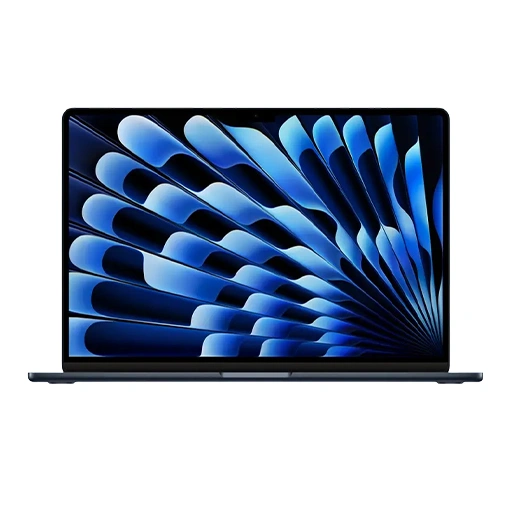
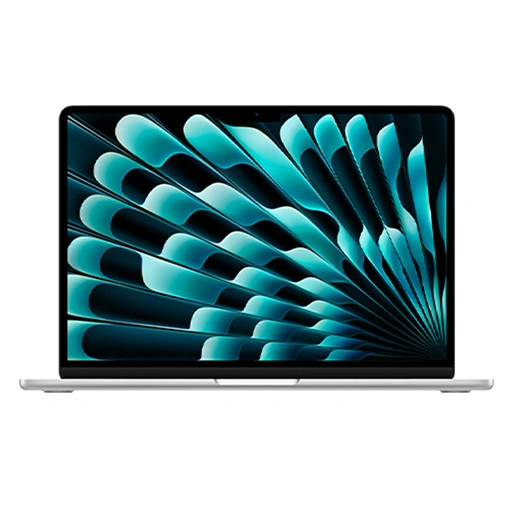
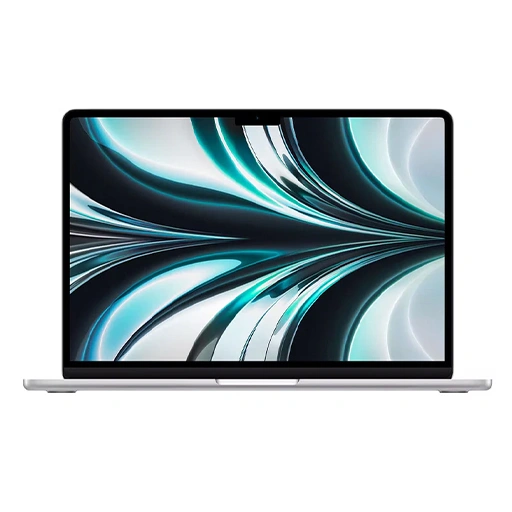


MacBook Touch Bar Repair Service
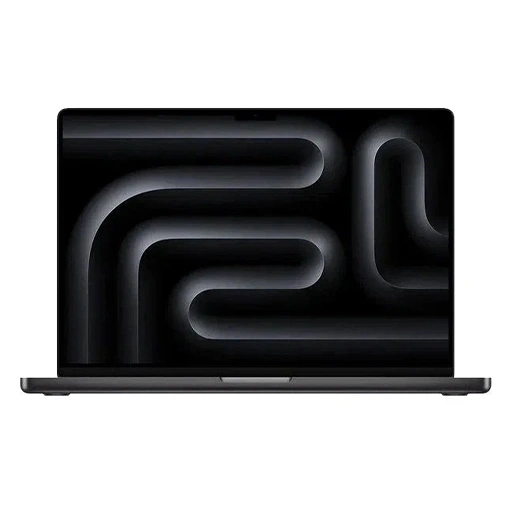
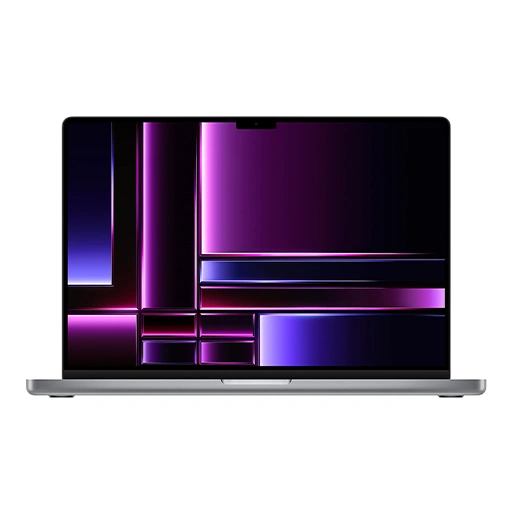
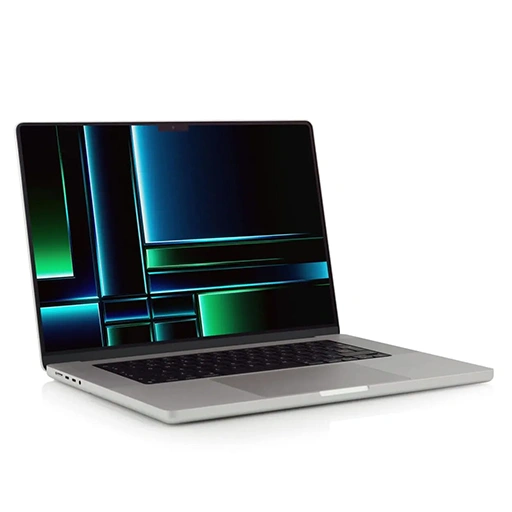
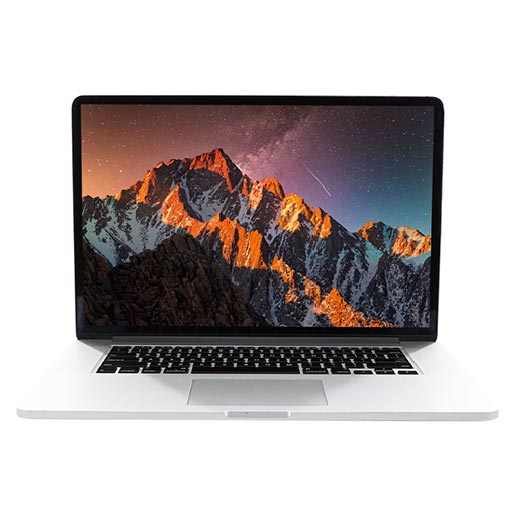
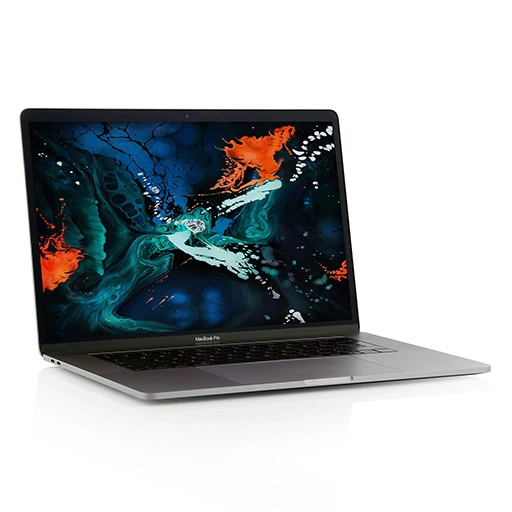
We handle Touch Bar repairs for all MacBook Pro models that feature the Touch Bar. This covers MacBook Pro models from 2016 through to the MacBook Pro 13-inch M2 which was the last model to ship with a Touch Bar before Apple discontinued it.
The Touch Bar is a narrow OLED display strip integrated above the keyboard. It replaces the traditional function keys with a dynamic touchscreen that adapts to the application in use. When it develops a fault, it affects daily productivity — shortcuts, media controls, brightness adjustments, and Touch ID all rely on it functioning correctly.
Touch Bar repair involves careful disassembly of the MacBook Pro lid assembly to access and replace the Touch Bar component. It is a precise repair and our technicians are equipped to handle it across all affected models.
Most Touch Bar repairs are completed within 60 to 90 minutes. We are trained for eligible repairs under the Independent Repair Provider (IRP) programme and where applicable use genuine parts sourced from Apple for MacBook Touch Bar repairs. For a full overview of all MacBook repairs we handle, visit our MacBook repair page.
MacBook Pro Models with Touch Bar
The Touch Bar was available on the following MacBook Pro models:
- MacBook Pro 13-inch 2016 to 2022
- MacBook Pro 15-inch 2016 to 2019
- MacBook Pro 16-inch 2019
If you are unsure whether your MacBook Pro has a Touch Bar, check above the keyboard. If there is a narrow strip where the function keys would normally be, your model has a Touch Bar. WhatsApp us your model number and we will confirm before you come in.
Signs Your MacBook Touch Bar Needs Repair
Touch Bar faults are easy to identify since the component is always visible above the keyboard. Here are the common signs that need attention.
- Touch Bar completely blank or not displaying: If the Touch Bar shows nothing at all while the MacBook is on and functioning normally, the display or connection to the Touch Bar has failed and needs attention.
- Touch Bar not responding to taps: If the Touch Bar displays content but does not respond when tapped, the touch sensor has developed a fault that needs repair.
- Touch Bar flickering or showing distorted visuals: A Touch Bar that flickers during use, shows incorrect colours, or displays distorted content points to a display fault that will not resolve on its own.
- Touch Bar shortcuts not updating or frozen: If the Touch Bar displays the same shortcuts regardless of which application is open, or freezes on a particular set of controls, there may be a software or hardware fault affecting the Touch Bar controller.
- Touch ID not working on Touch Bar models: On MacBook Pro models with a Touch Bar, the Touch ID sensor is integrated into the Touch Bar itself. If Touch ID has stopped working, it may be related to a Touch Bar fault or a separate sensor issue that needs diagnosis.
- Touch Bar showing lines or partial display: Horizontal lines, dead zones, or portions of the Touch Bar that are not displaying correctly indicate internal display damage that needs replacing.
Why Choose LYK Repair for MacBook Touch Bar Repair?
- Trained Technicians: Our technicians are trained for eligible repairs under the Independent Repair Provider (IRP) programme and have hands-on experience with Touch Bar repairs across all affected MacBook Pro models.
- Genuine Parts Where Applicable: Where the IRP programme applies, we use genuine parts sourced from Apple. For other models, we use high-quality Touch Bar assemblies matched to your specific MacBook Pro model.
- Free Diagnosis Before Any Work Starts: We assess your MacBook first and confirm the Touch Bar fault before recommending a repair. No pressure and no charges if you decide not to proceed.
- Transparent Pricing: We give you a clear quote before any work begins. WhatsApp us your MacBook model for a quote before coming in.
- Fast Turnaround: Most Touch Bar repairs are completed within 60 to 90 minutes so you are not without your MacBook for long.
- 100-Day Warranty: Every Touch Bar repair is backed by a 100-day warranty. If the Touch Bar develops an issue within that period, we will address it at no extra cost.
- Islandwide Doorstep Service: Prefer not to travel? We offer islandwide doorstep repair service for a flat fee of $25. A technician will come to your home or office.
- Multiple Branches Across Singapore: We have branches in Jurong, Tai Seng, Woodlands, and Bugis. Walk in anytime or WhatsApp ahead to check parts availability for your specific MacBook Pro model.
How MacBook Touch Bar Repair Works at LYK Repair
- Contact Us: WhatsApp, call, or walk into any of our branches. Tell us your MacBook Pro model and the Touch Bar issue you are experiencing.
- Free Diagnostic and Quote: We assess the Touch Bar fault and give you a clear upfront quote before any work begins. No obligations.
- Touch Bar Repair: Our technicians repair or replace the Touch Bar using genuine or high-quality parts matched to your specific model. Most jobs are completed within 60 to 90 minutes.
- Testing and Handover: We verify the Touch Bar is displaying correctly, responding to taps, and updating with each application before handing your MacBook back. Your MacBook leaves with a 100-day warranty on the Touch Bar repair.
Frequently Asked Questions
1. How long does MacBook Touch Bar repair take in Singapore?
Most MacBook Touch Bar repairs are completed within 60 to 90 minutes depending on the model. We will give you a clear timeline after the free diagnostic before any work begins.
2. How much does MacBook Touch Bar repair cost in Singapore?
Pricing varies depending on your MacBook Pro model and the extent of the fault. WhatsApp us with your model number and we will send you an exact quote before you come in. No hidden fees and no surprises.
3. Which MacBook Pro models have a Touch Bar?
The Touch Bar was available on MacBook Pro 13-inch models from 2016 to 2022, MacBook Pro 15-inch models from 2016 to 2019, and the MacBook Pro 16-inch 2019. Apple discontinued the Touch Bar on newer MacBook Pro models from 2021 onwards except for the 13-inch M2 which was the last to ship with it.
4. Can a MacBook Touch Bar be repaired or does it need to be replaced?
It depends on the fault. Software-related Touch Bar issues can sometimes be resolved without hardware replacement. Physical damage, a blank display, or an unresponsive touch sensor typically require a replacement. We assess this during the free diagnostic and advise on the most appropriate fix before any work begins.
5. Is it worth repairing a MacBook Touch Bar in Singapore?
Yes in most cases. Touch Bar repair restores full keyboard functionality including shortcuts, media controls, brightness adjustments, and Touch ID. If your MacBook Pro is otherwise functioning well, a Touch Bar repair is worth doing. We will give you an honest assessment after the free diagnostic.
6. Can Touch ID still work if the Touch Bar is faulty?
On MacBook Pro models with a Touch Bar, the Touch ID sensor is integrated into the Touch Bar assembly. If the Touch Bar has failed completely, Touch ID may also be affected. We assess both during the free diagnostic and advise on the repair before any work begins.
7. Do you repair Touch Bar issues for all MacBook Pro models?
Yes. We handle Touch Bar repairs for all MacBook Pro models that feature the Touch Bar, covering 2016 through to the M2 13-inch MacBook Pro. WhatsApp us with your model number and we will confirm parts availability before you come in.
8. Will my data be safe during a MacBook Touch Bar repair?
Yes. Touch Bar repair does not require any access to your data or a factory reset. Your files, settings, and applications remain untouched throughout the repair process.
9. Do you offer a warranty on MacBook Touch Bar repairs?
Yes. All MacBook Touch Bar repairs at LYK Repair come with a 100-day warranty. If the Touch Bar develops an issue within that period, we will address it at no extra cost.
10. Can I still use my MacBook Pro if the Touch Bar is not working?
Yes. The MacBook Pro still functions normally without a working Touch Bar. However you lose access to dynamic shortcuts, media controls, and Touch ID which affects daily productivity. Getting it repaired restores full functionality and is more cost-effective than replacing the device.
Explore More MacBook Repair Services
MacBook Battery Replacement | MacBook Screen Repair | MacBook Keyboard Repair | MacBook Charger Repair | MacBook Fan Repair
Disclaimer — LYK Repair is an Independent Repair Provider and is not affiliated with Apple Inc. Apple is not responsible for any repairs performed by LYK Repair. All repairs are carried out by our trained technicians using genuine parts sourced from Apple for eligible models or quality tested alternatives for others.
Our Locations
Visit any of our 4 branches across Singapore — walk-ins are welcome
- Name : LYK Mobile Repair In Jurong East
- Address : 2 Venture Dr, #02-15 Vision Exchange, Singapore 608526
- Direction : Find us on Google Maps
-
Operating Hours:
Monday to Sunday : 11:00 AM - 9 PM
- Name : LYK Mobile Repair In Tai Seng
- Address : 1 Irving Place, The Commerze@irving #06-07 Singapore 369546
- Direction : Find us on Google Maps
-
Operating Hours :
Monday to Sunday : 11:00 AM - 9 PM
- Name : LYK Mobile Repair In Woodlands
- Address: 12 Woodlands Square , Woods Square Tower 1 #12-65 Singapore 737715
- Direction : Find us on Google Maps
-
Operating Hours:
Monday to Sunday : 11:00 AM - 9 PM
- Name : LYK Mobile Repair In Bugis
- Address : 470 North Bridge Rd, Bugis Cube #02-06, Singapore 188735
- Direction : Find us on Google Maps
-
Operating Hours:
Monday to Sunday : 11:00 AM - 9 PM