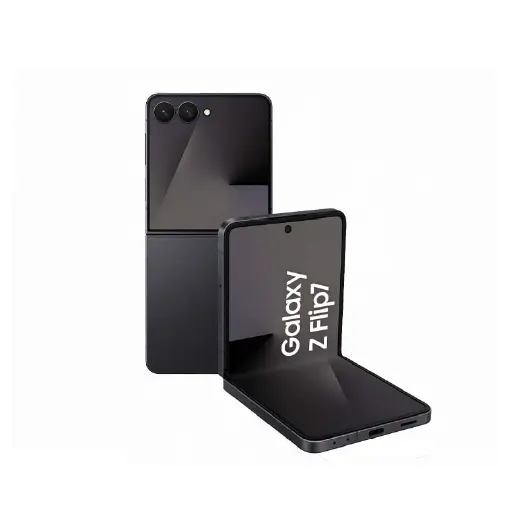
Software or Hardware – Understanding the Difference
Not every WiFi or Bluetooth issue requires a hardware repair. Before bringing your Samsung in, it is worth ruling out software causes first.
Try these steps before coming in:
- Restart your Samsung and attempt to reconnect
- Go to Settings, General Management, Reset, and select Reset WiFi and Bluetooth settings
- Test in Safe Mode to rule out a third-party app conflict
- Check if the issue affects all networks and devices or just one specific network or device
If the issue persists after trying all of the above, the fault is hardware related and needs professional diagnosis. Bring it in for a free diagnostic and we will identify the exact cause before recommending any work.
Samsung WiFi & Bluetooth Repair Service
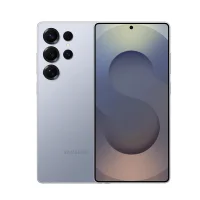
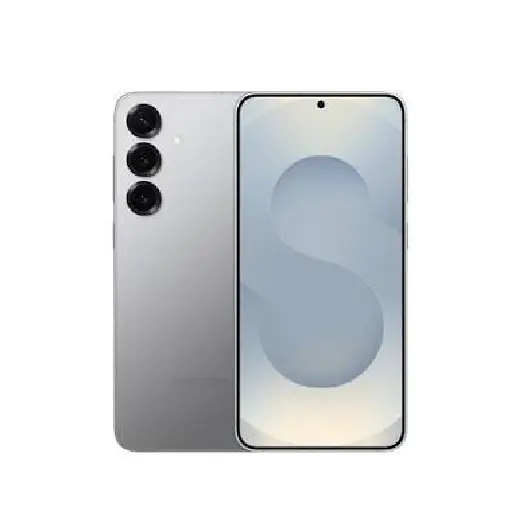
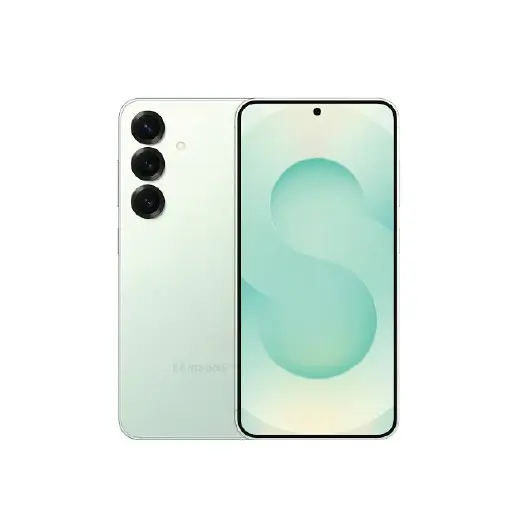
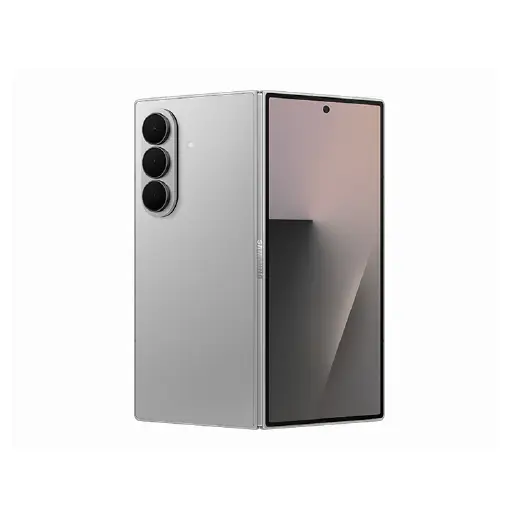
We handle WiFi and Bluetooth repairs for all Samsung Galaxy models including the S series, A series, Note series, Z Fold, and Z Flip across all generations.
Samsung WiFi and Bluetooth connectivity faults can originate from three sources. The first is the WiFi and Bluetooth IC chip on the motherboard which controls all wireless connectivity. When this chip fails, both WiFi and Bluetooth typically fail together. The second is the network flex cable which connects the antenna to the motherboard. A damaged or disconnected flex cable causes weak signal or complete signal loss without affecting other phone functions. The third is the antenna itself which can be damaged from a drop or physical impact.
We carry out a proper diagnostic to identify the exact source of the fault before recommending any work. In many cases a damaged flex cable repair is more affordable than a full motherboard IC repair and produces the same result. We always attempt the less invasive repair first.
Most WiFi and Bluetooth repairs are completed within 30 to 60 minutes depending on the fault. For a full overview of all Samsung repairs we handle, visit our Samsung phone repair page.
Signs Your Samsung Has a Hardware WiFi or Bluetooth Fault
These symptoms specifically indicate a hardware fault rather than a software issue.
- WiFi not turning on at all: If the WiFi toggle in settings is greyed out, stuck on turning on, or simply will not activate regardless of restarts and resets, the WiFi IC on the motherboard has likely failed.
- Bluetooth not turning on: If the Bluetooth toggle will not activate or is greyed out after software resets, the Bluetooth IC has developed a hardware fault.
- WiFi and Bluetooth both failing at the same time: On Samsung phones, WiFi and Bluetooth share a combined chip. If both fail simultaneously after a drop, liquid exposure, or a software update, the WiFi and Bluetooth IC on the motherboard has likely been damaged.
- Extremely weak WiFi signal: If your Samsung shows a WiFi connection but the signal is consistently weak even close to the router, and other devices connect normally to the same network, the WiFi antenna or antenna connection has been damaged.
- Bluetooth disconnecting repeatedly: If Bluetooth devices pair successfully but disconnect within seconds or minutes every time regardless of which device you connect to, there is a hardware fault with the Bluetooth component.
- No WiFi networks detected: If your Samsung cannot detect any WiFi networks in an area where other devices can, the WiFi antenna or WiFi IC has a fault that needs diagnosis.
- Connectivity issues developed after a drop or liquid exposure: If WiFi or Bluetooth issues started specifically after a drop or liquid exposure and software resets have not resolved them, the antenna, flex cable, or motherboard component has been physically damaged.
Why Choose LYK Repair for Samsung WiFi & Bluetooth Repair?
- Correct Diagnosis Before Any Work: We identify whether the fault is the WiFi IC, flex cable, or antenna before recommending a repair. You will never be charged for a motherboard repair when a flex cable replacement is all that is needed.
- Experienced Technicians: Our team has experience diagnosing and repairing Samsung connectivity faults across all Galaxy series.
- All Samsung Models Covered: We handle WiFi and Bluetooth repairs for all Samsung Galaxy models across current and older generations. WhatsApp us to confirm before coming in.
- Most Repairs Done in 30 to 60 Minutes: Most Samsung WiFi and Bluetooth repairs are completed within 30 to 60 minutes. We will give you a realistic timeline after the free diagnostic.
- Free Diagnosis Before Any Work Starts: We check the device first and rule out software causes before recommending any hardware repair. No pressure and no charges if you decide not to proceed.
- Transparent Pricing: We give you a clear quote before any work begins. WhatsApp us your Samsung model for a quote before coming in.
- 100-Day Warranty: Every WiFi and Bluetooth repair is backed by a 100-day warranty. If the issue recurs within that period, we will address it at no extra cost.
- Islandwide Doorstep Service: Prefer not to travel? We offer islandwide doorstep repair service for a flat fee of $25. A technician will come to your home or office.
- Multiple Branches Across Singapore: We have branches in Jurong, Tai Seng, Woodlands, and Bugis. Walk in anytime or WhatsApp ahead before coming in.
How Samsung WiFi & Bluetooth Repair Works at LYK Repair
- Contact Us: WhatsApp, call, or walk into any of our branches. Tell us your Samsung model and describe the connectivity issue you are experiencing.
- Free Diagnostic and Quote: We rule out software causes and identify the hardware fault. We give you a clear upfront quote before any work begins. No obligations.
- WiFi & Bluetooth Repair: Our technicians repair the faulty component whether it is the flex cable, antenna, or board-level IC using quality parts matched to your specific Samsung model. Most jobs are completed within 30 to 60 minutes.
- Testing and Handover: We verify WiFi connectivity, Bluetooth pairing, and signal strength before handing your Samsung back. Your Samsung leaves with a 100-day warranty on the repair.
Frequently Asked Questions
1. How long does Samsung WiFi and Bluetooth repair take in Singapore?
Most Samsung WiFi and Bluetooth repairs are completed within 30 to 60 minutes depending on the fault. We will give you a clear timeline after the free diagnostic before any work begins.
2. How much does Samsung WiFi and Bluetooth repair cost in Singapore?
Pricing varies depending on your Samsung model and the exact fault. A flex cable repair is more affordable than a board-level IC repair. WhatsApp us with your model and symptoms for an exact quote before you come in.
3. How do I know if my Samsung WiFi or Bluetooth issue is hardware or software?
Try restarting your phone, resetting WiFi and Bluetooth settings under General Management, and testing in Safe Mode. If the issue persists after all of these steps, the fault is hardware related and needs professional diagnosis.
4. Why do Samsung WiFi and Bluetooth fail at the same time?
On Samsung phones, WiFi and Bluetooth share a combined IC chip on the motherboard. When this chip fails, both connectivity functions are typically affected simultaneously. This is a common hardware fault particularly after drops or liquid exposure.
5. Can a drop cause Samsung WiFi or Bluetooth to stop working?
Yes. A drop can damage the WiFi and Bluetooth IC on the motherboard, disconnect the antenna flex cable, or physically damage the antenna. If connectivity issues started after a drop and software resets have not helped, bring it in for a hardware diagnostic.
6. What is a network flex cable and how does it affect WiFi?
The network flex cable connects the WiFi and Bluetooth antenna to the motherboard. If this cable is damaged or disconnected, the phone loses the ability to detect or maintain a signal. A flex cable replacement is typically more affordable than a board-level IC repair and produces the same result.
7. Can liquid damage cause Samsung WiFi and Bluetooth issues?
Yes. Liquid reaching the WiFi and Bluetooth IC or the antenna connections causes corrosion that can disrupt or completely disable wireless connectivity. Bring your Samsung in as soon as possible if connectivity issues developed after liquid exposure.
8. Do you repair Samsung WiFi and Bluetooth for all models?
Yes. We handle WiFi and Bluetooth repairs for all Samsung Galaxy models including the S series, A series, Note series, Z Fold, and Z Flip across all generations. WhatsApp us with your model to confirm before coming in.
9. Will my data be safe during a Samsung WiFi and Bluetooth repair?
Yes. WiFi and Bluetooth repair does not require any access to your data or a factory reset. Your files, contacts, photos, and settings remain untouched throughout the repair process.
10. Do you offer a warranty on Samsung WiFi and Bluetooth repairs?
Yes. All Samsung WiFi and Bluetooth repairs at LYK Repair come with a 100-day warranty. If the issue recurs within that period, we will address it at no extra cost.