
Samsung Network Flex Replacement
Struggling with weak signals or no connectivity? A damaged network flex cable could be the problem. Our Samsung network flex replacement service ensures strong and reliable signals again.

What We Repair
How to Identify Network Issues in Your Samsung Smartphone
Reliable network connectivity is essential for seamless smartphone use. Watch out for these signs of network flex cable damage:
- No signal or weak signal: Constantly struggling with poor reception or “no service” messages could indicate a damaged flex cable, disrupting the connection between internal components and the antenna.
- Call drops or static noise: Frequent call disconnections or background noise during conversations can result from a faulty flex cable interfering with signal transmission.
- Intermittent connectivity: Losing mobile data or WiFi signals randomly might point to loose connections or internal cable issues.
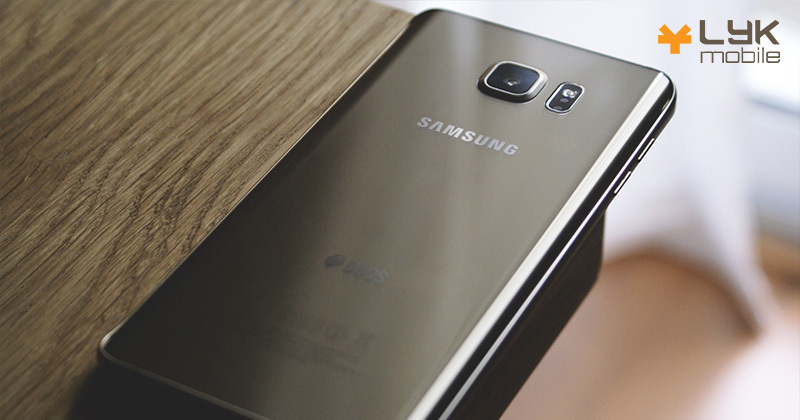
How We Handle Samsung Network Flex Replacement
At LYK Mobile Repair, we use a step-by-step process to fix network flex issues:

Signal Diagnostics
We check for poor signal reception, dropped calls, or no connectivity to confirm a network flex issue.

Careful Disassembly
The phone is carefully opened to access the network flex cable, ensuring no damage to surrounding components.

Replacement of Flex Cable
The faulty network flex cable is replaced with a Samsung-compatible part for seamless connectivity.

Final Testing
We test the phone for strong and consistent signals before reassembly.
Tips to Avoid Network Connectivity Issues
Follow these tips to maintain a stable connection:
- Keep your phone clean: Dust or debris can affect signal reception. Use a soft brush or compressed air to clean your phone’s ports.
- Avoid drops or impacts: Physical damage can loosen or break internal cables, affecting network performance.
- Update firmware regularly: Ensure your device runs the latest updates to fix potential connectivity bugs and optimise performance.
- Use a Quality Case: A sturdy case can protect your phone’s internals while maintaining access to key antennas.

Why Choose LYK Mobile for Samsung Network Flex Replacement?
Weak signals or dropped calls can be frustrating. At LYK Mobile Repair, we replace Samsung network flex cables to ensure strong, stable connectivity. Our expert technicians ensure a fast, efficient repair that restores your device’s signal strength.
Stay connected with ease. Contact us today to schedule your network flex replacement.
What Our Clients Say
Revive Your Device, Renew Your Connection
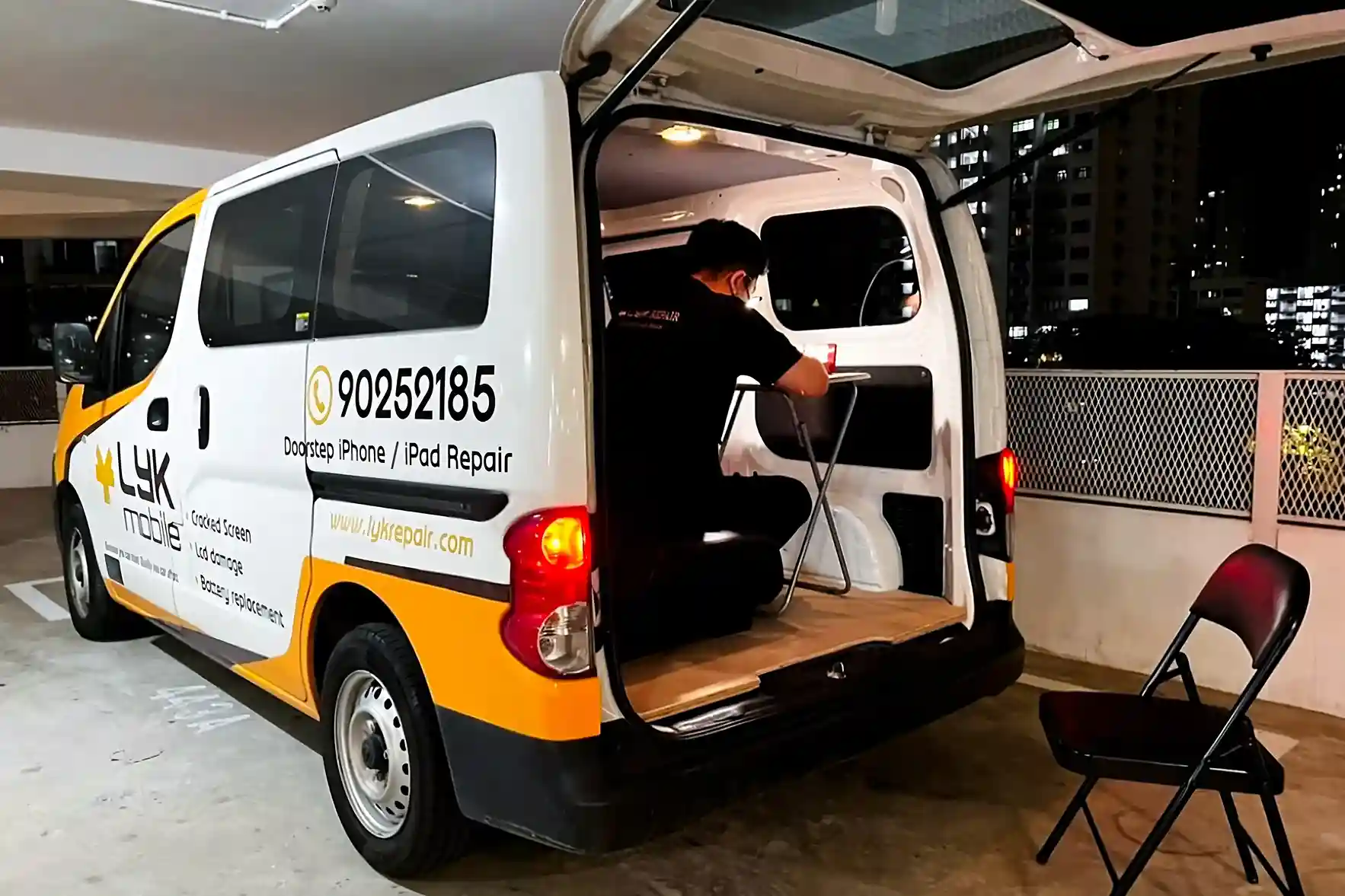
Door Step Repair Services Available
For just as low as $25
Deployed To Any Location Islandwide
You call us and we'll be there at your service
Available All Day
From 11am to 9pm daily
First-Come First-Served Basis
Connect with us and we will be happy to schedule our technician to you
Call Us Today!
Call / WhatsApp
+65 9025 2185


Our Locations
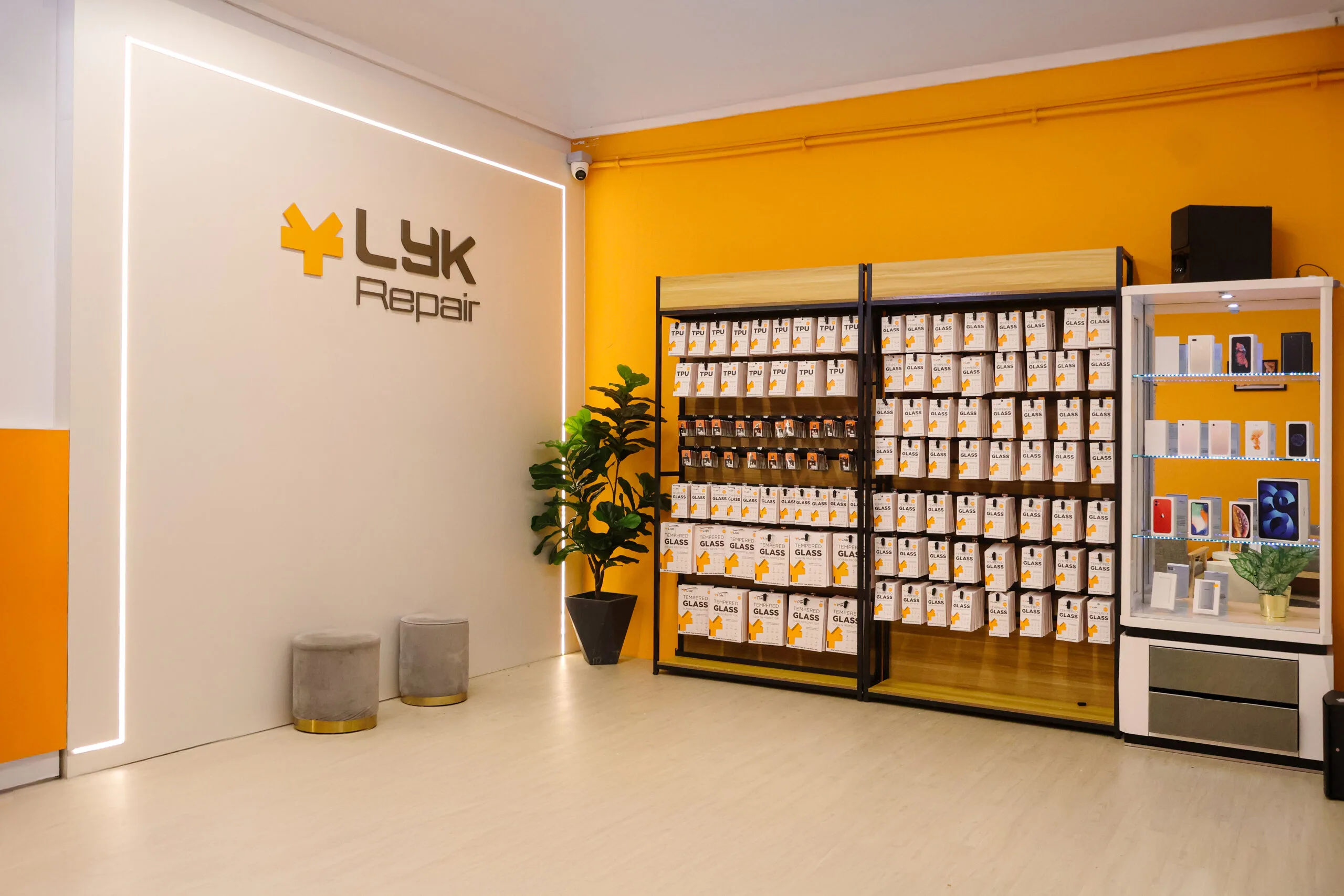
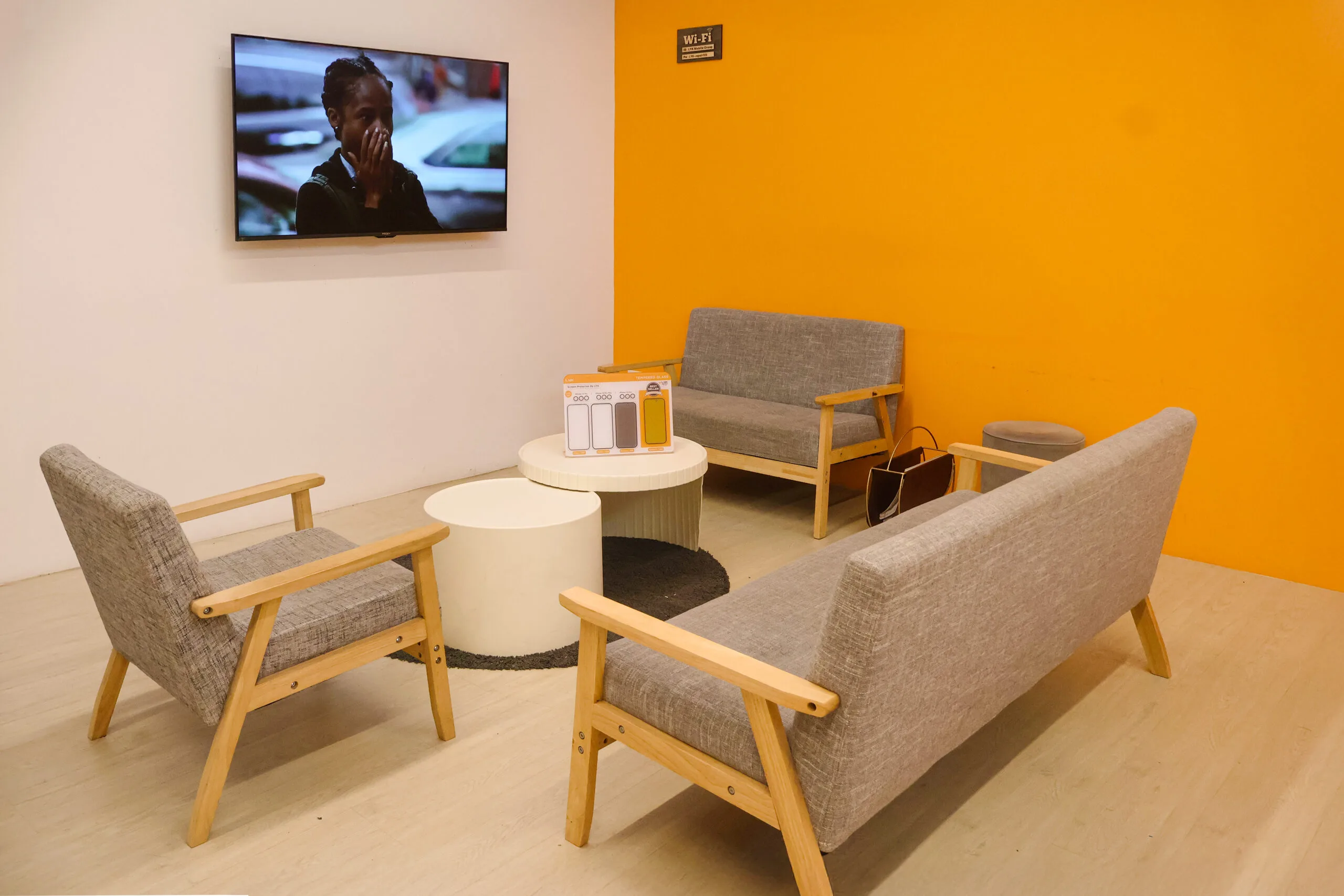
LYK Repair operates multiple service centres across Singapore, including Jurong, Tai Seng, Woodlands, and Bugis, making it easy to get your iPhone repaired wherever you are. You may walk in or contact us ahead to check availability before your visit.
- 2 Venture Dr, #02-15 Vision Exchange, Singapore 608526
- Direction : Find me on Google Maps
-
Operating Hours:
Monday to Sunday : 11:00 AM - 9 PM
- 1 Irving Place, The Commerze@irving #06-07 Singapore 369546
- Direction : Find me on Google Maps
-
Operating Hours:
Monday to Sunday : 11:00 AM - 9 PM
- 12 Woodlands Square , Woods Square Tower 1 #12-65 Singapore 737715
- Direction : Find me on Google Maps
-
Operating Hours:
Monday to Sunday : 11:00 AM - 9 PM
- 470 North Bridge Rd, Bugis Cube #02-06, Singapore 188735
- Direction : Find me on Google Maps
-
Operating Hours:
Monday to Sunday : 11:00 AM - 9 PM
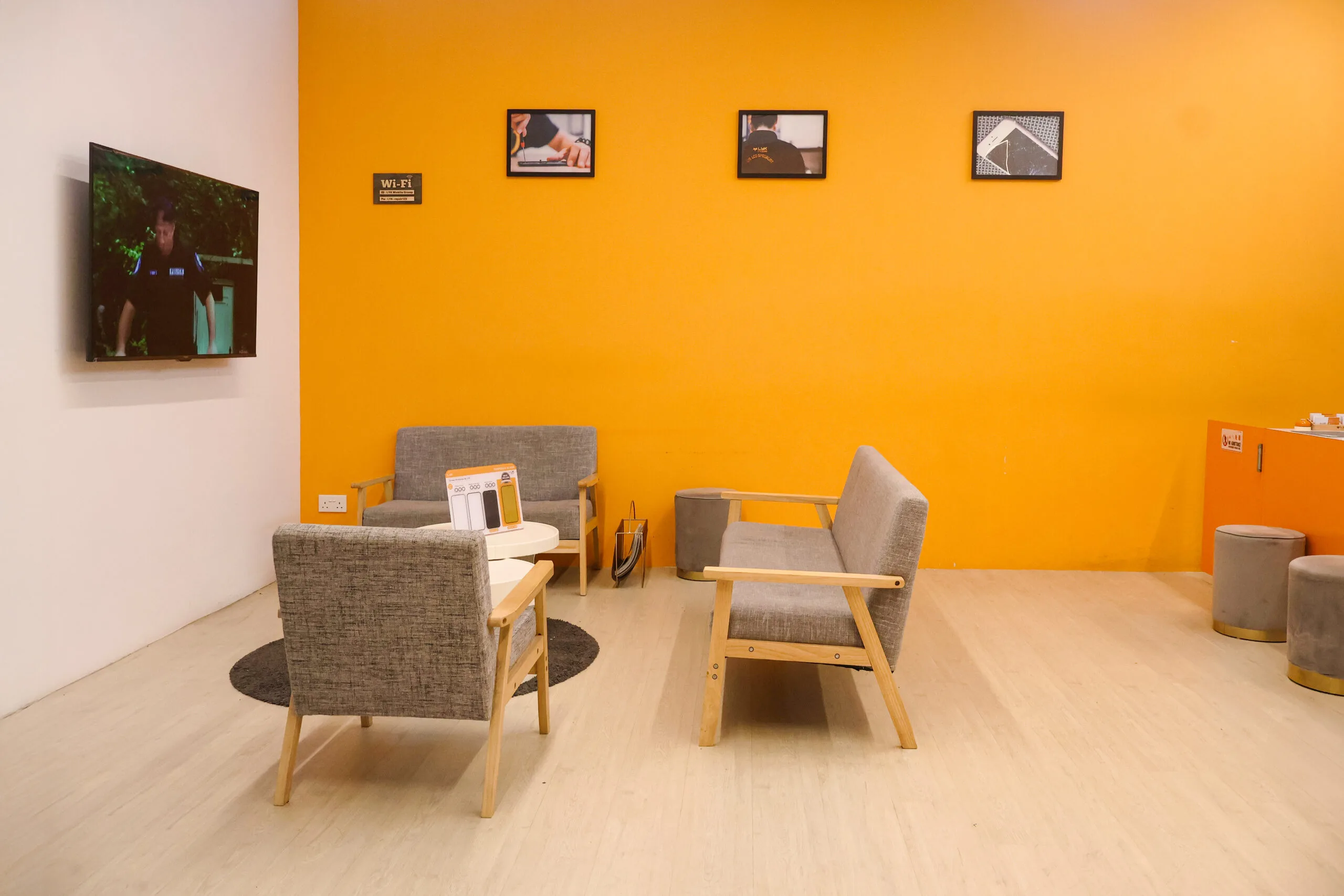
Our Photo Gallery



Frequently Asked Questions About Samsung Network Flex Replacement
What are the signs of a damaged network flex cable?
Symptoms include poor signal reception, dropped calls, or no network connectivity.
Can I still use my phone with a faulty network flex cable?
While some functions may work, poor network connectivity can disrupt calls and data usage.
How long does it take to replace a network flex cable?
The replacement process usually takes about 30–60 minutes.
Will replacing the flex cable restore my phone’s signal?
Yes, a new cable typically resolves signal issues and ensures stable connectivity.