
Samsung Rear Camera Replacement
Frustrated with blurry photos or a non-working rear camera? Replace your Samsung smartphone’s rear camera and capture stunning pictures and videos effortlessly.

What We Repair
Symptoms Indicating Your Samsung Rear Camera Needs Replacement
Your rear camera plays a key role in capturing memories. Replace it if you notice these issues:
- Blurry or grainy photos: Internal damage, lens misalignment, or a cracked lens can degrade photo quality.
- Camera app not working:If the app crashes or displays a black screen when accessing the rear camera, it may indicate hardware issues.
- Visible cracks or scratches on the lens: Scratched or broken lenses can significantly impact focus and image clarity.
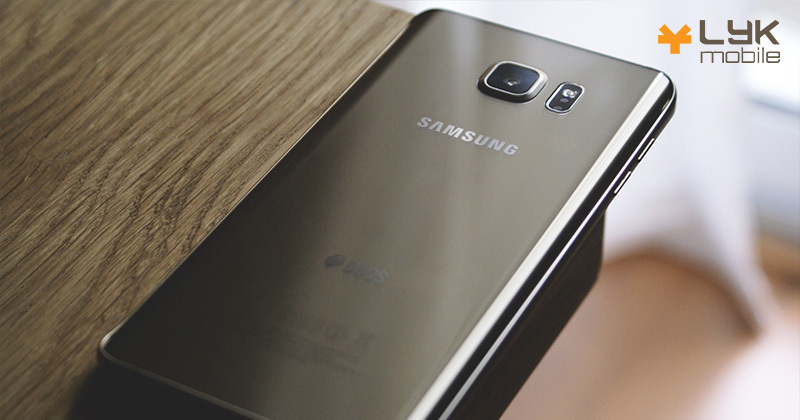
How We Handle Samsung Rear Camera Replacement
At LYK Mobile Repair, we make rear camera replacements quick and efficient:

Camera Diagnostics
We test the rear camera for blurry images, app errors, or physical damage.

Lens Removal
Our technicians carefully remove the damaged camera module to prevent interference with surrounding components.

Camera Installation
We install a Samsung-compatible camera module to ensure seamless photo and video capture.

Testing and Reassembly
The camera is tested for clarity, focus, and functionality before reassembly.
Tips to Protect Your Rear Camera
Maintain your Samsung rear camera with these steps:
- Use a protective case: Choose a case with raised edges to protect the lens from scratches or cracks.
- Clean the Camera Lens: Gently wipe the lens with a microfiber cloth to remove smudges, dust, or debris for clear photos.
- Avoid Drops and Impacts: Handle your phone carefully to prevent damage to the lens or internal camera components.

Why Choose LYK Mobile for Samsung Rear Camera Replacement?
A damaged rear camera can affect the quality of your photos and videos. At LYK Mobile Repair, we replace faulty Samsung rear cameras with precision, ensuring vibrant, sharp images.
Don’t let a faulty camera stop you from capturing memories. Contact us today to book your repair.
What Our Clients Say
Revive Your Device, Renew Your Connection
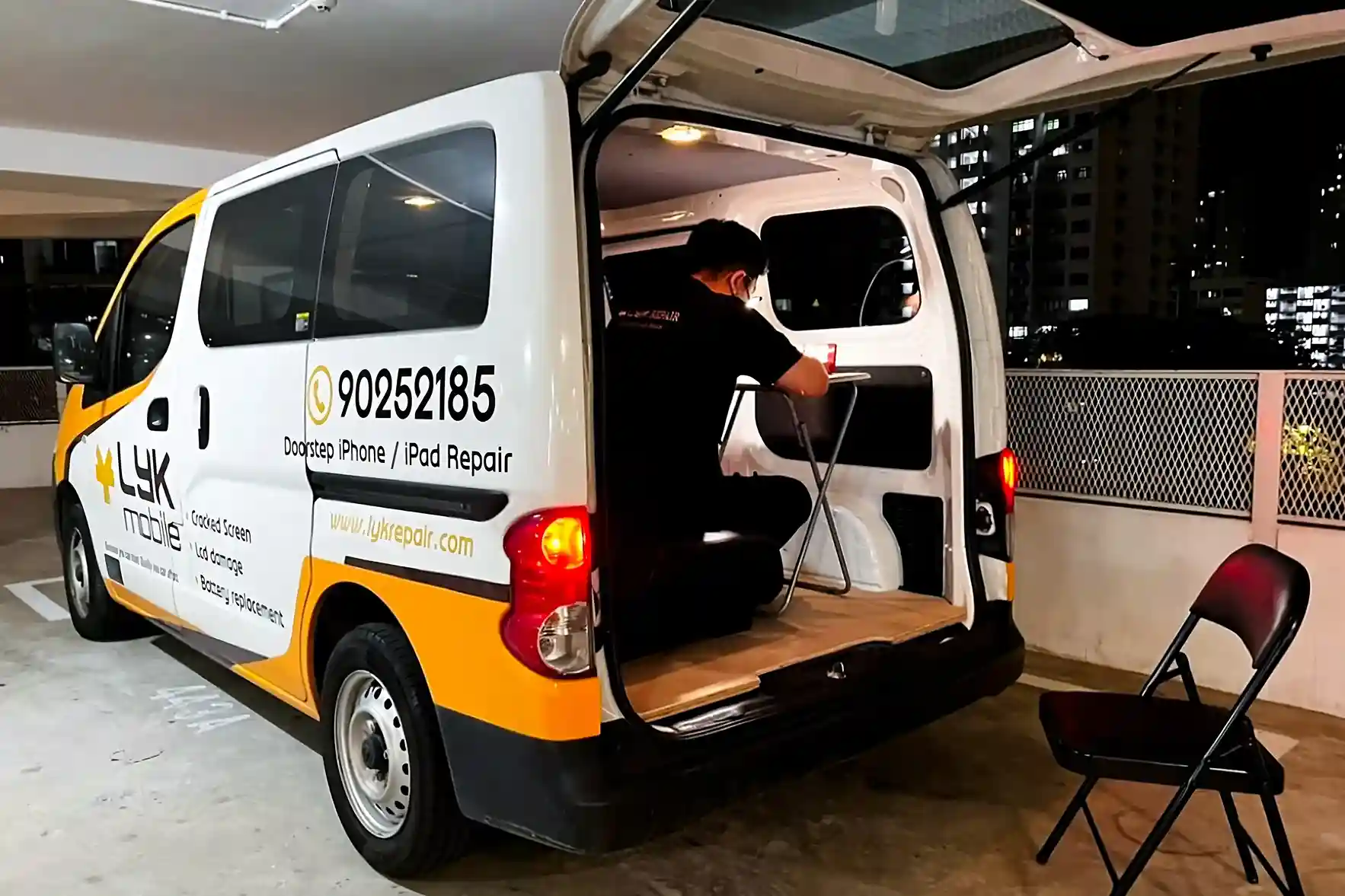
Door Step Repair Services Available
For just as low as $25
Deployed To Any Location Islandwide
You call us and we'll be there at your service
Available All Day
From 11am to 9pm daily
First-Come First-Served Basis
Connect with us and we will be happy to schedule our technician to you
Call Us Today!
Call / WhatsApp
+65 9025 2185


Our Locations
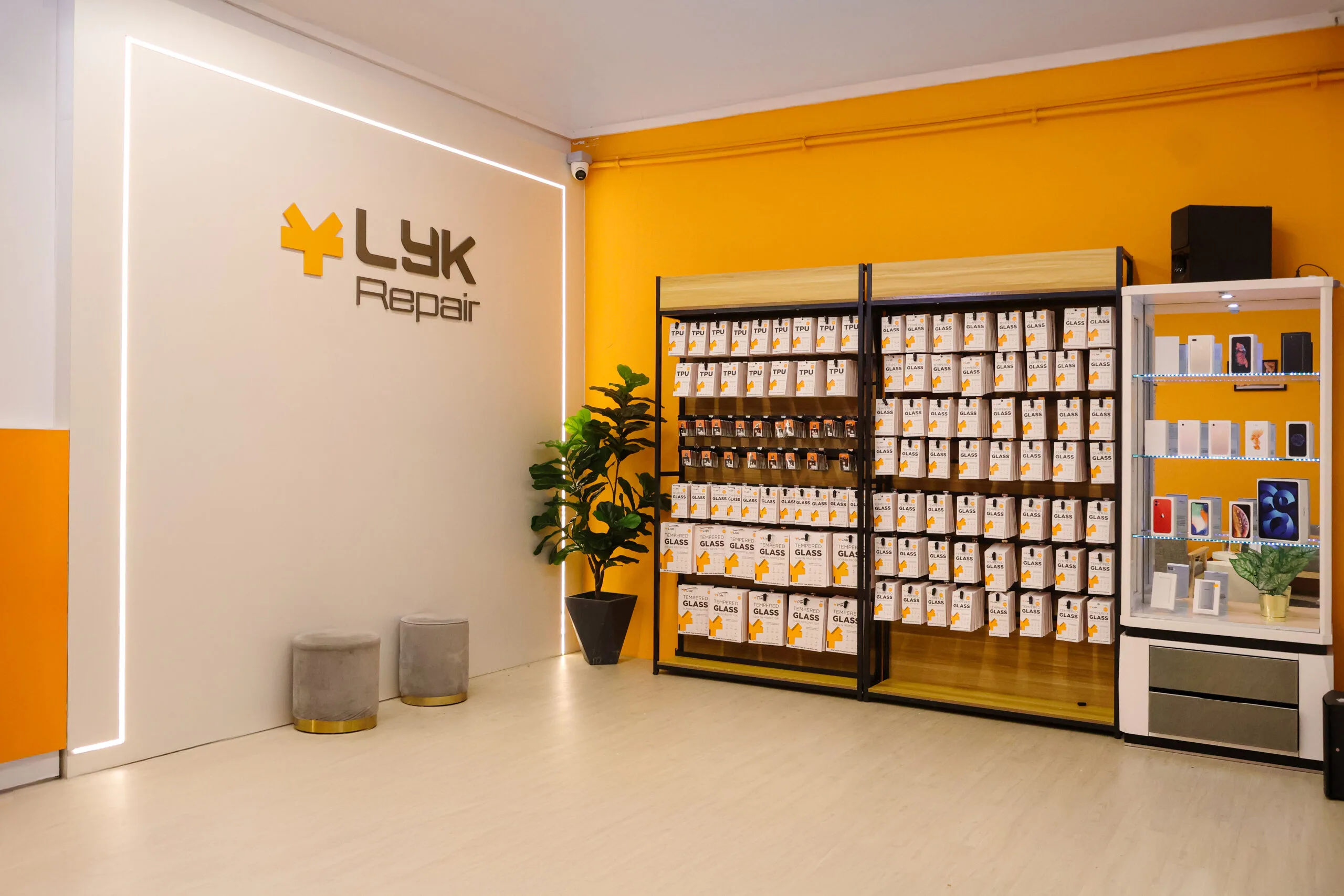
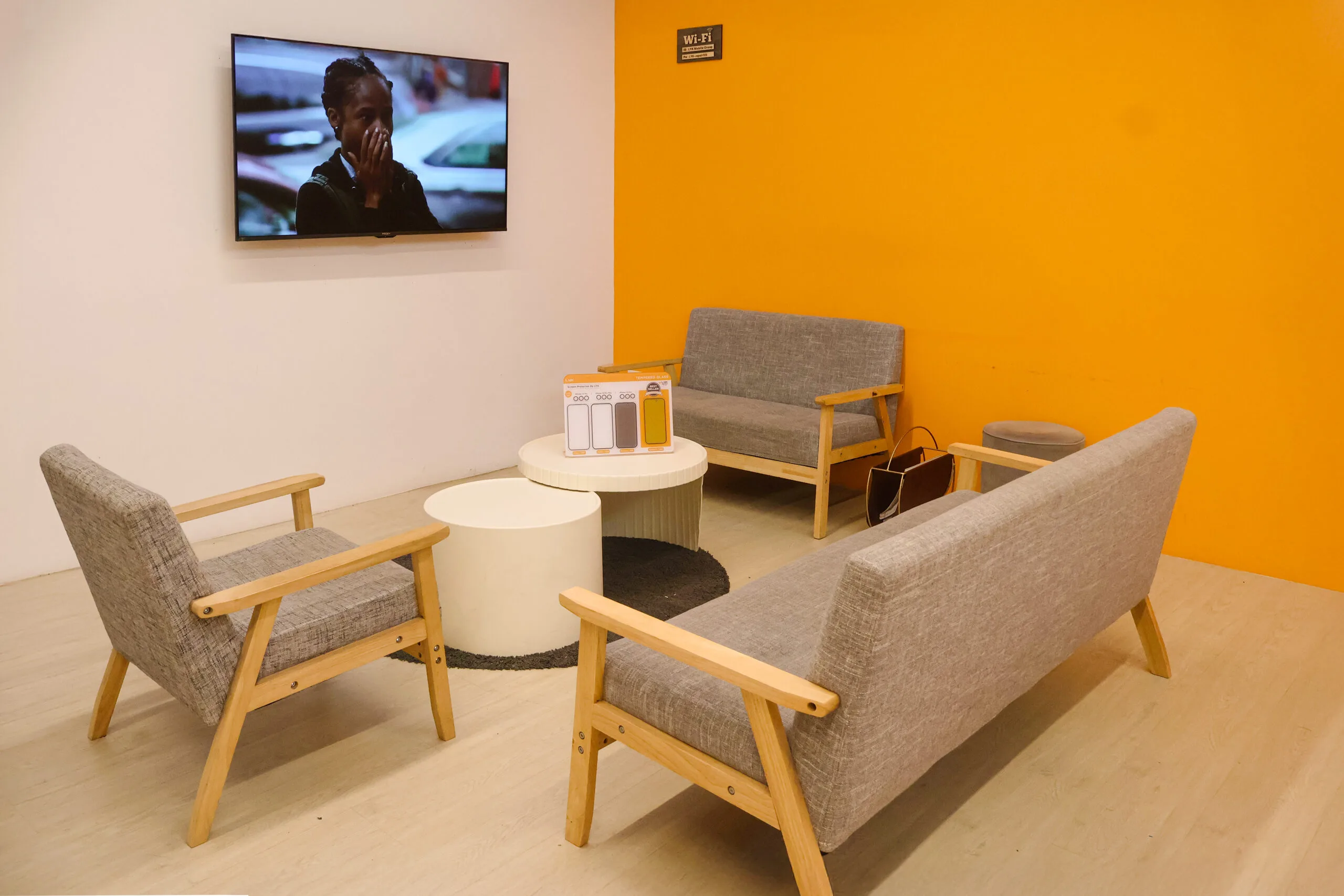
LYK Repair operates multiple service centres across Singapore, including Jurong, Tai Seng, Woodlands, and Bugis, making it easy to get your iPhone repaired wherever you are. You may walk in or contact us ahead to check availability before your visit.
- 2 Venture Dr, #02-15 Vision Exchange, Singapore 608526
- Direction : Find me on Google Maps
-
Operating Hours:
Monday to Sunday : 11:00 AM - 9 PM
- 1 Irving Place, The Commerze@irving #06-07 Singapore 369546
- Direction : Find me on Google Maps
-
Operating Hours:
Monday to Sunday : 11:00 AM - 9 PM
- 12 Woodlands Square , Woods Square Tower 1 #12-65 Singapore 737715
- Direction : Find me on Google Maps
-
Operating Hours:
Monday to Sunday : 11:00 AM - 9 PM
- 470 North Bridge Rd, Bugis Cube #02-06, Singapore 188735
- Direction : Find me on Google Maps
-
Operating Hours:
Monday to Sunday : 11:00 AM - 9 PM
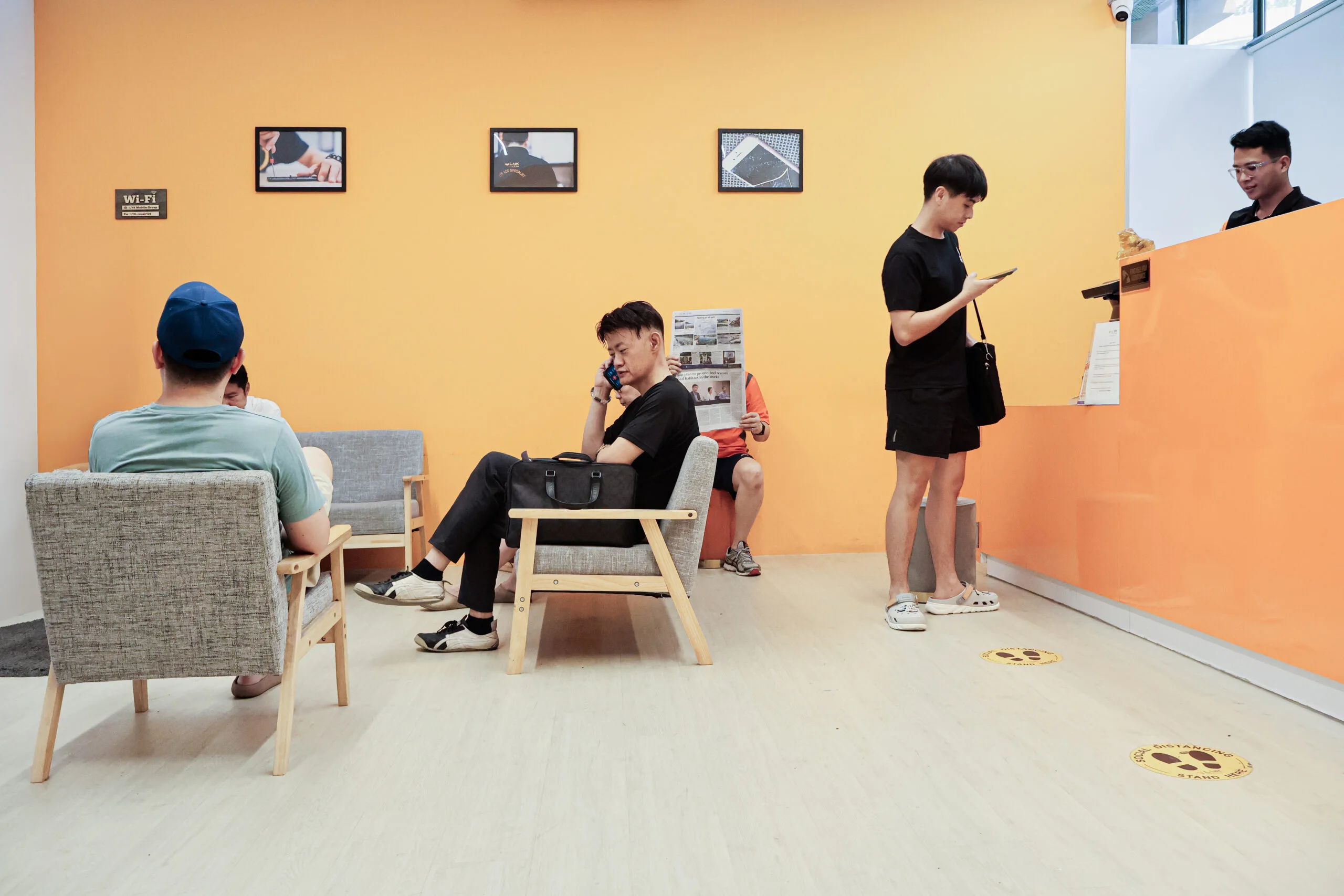
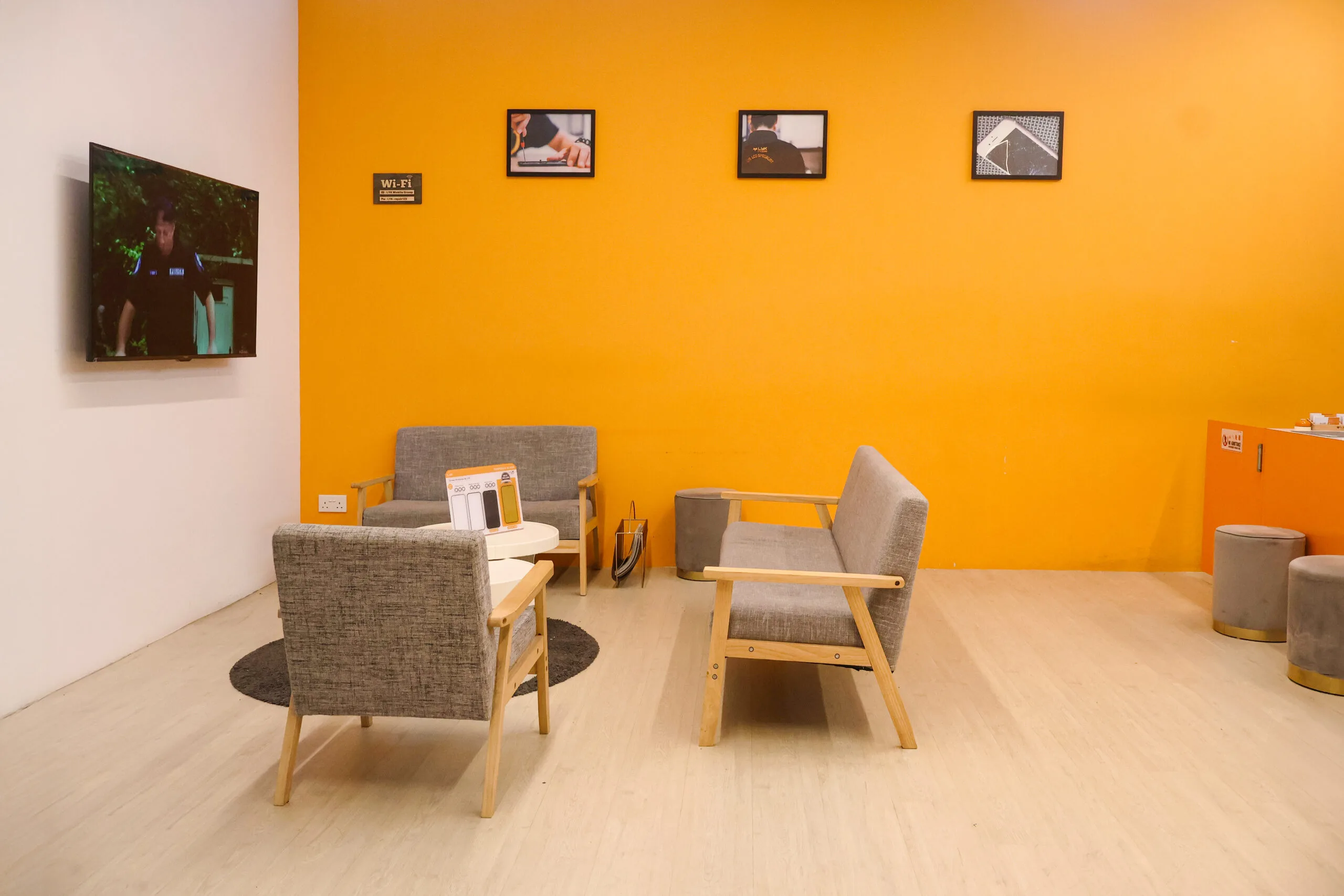
Our Photo Gallery

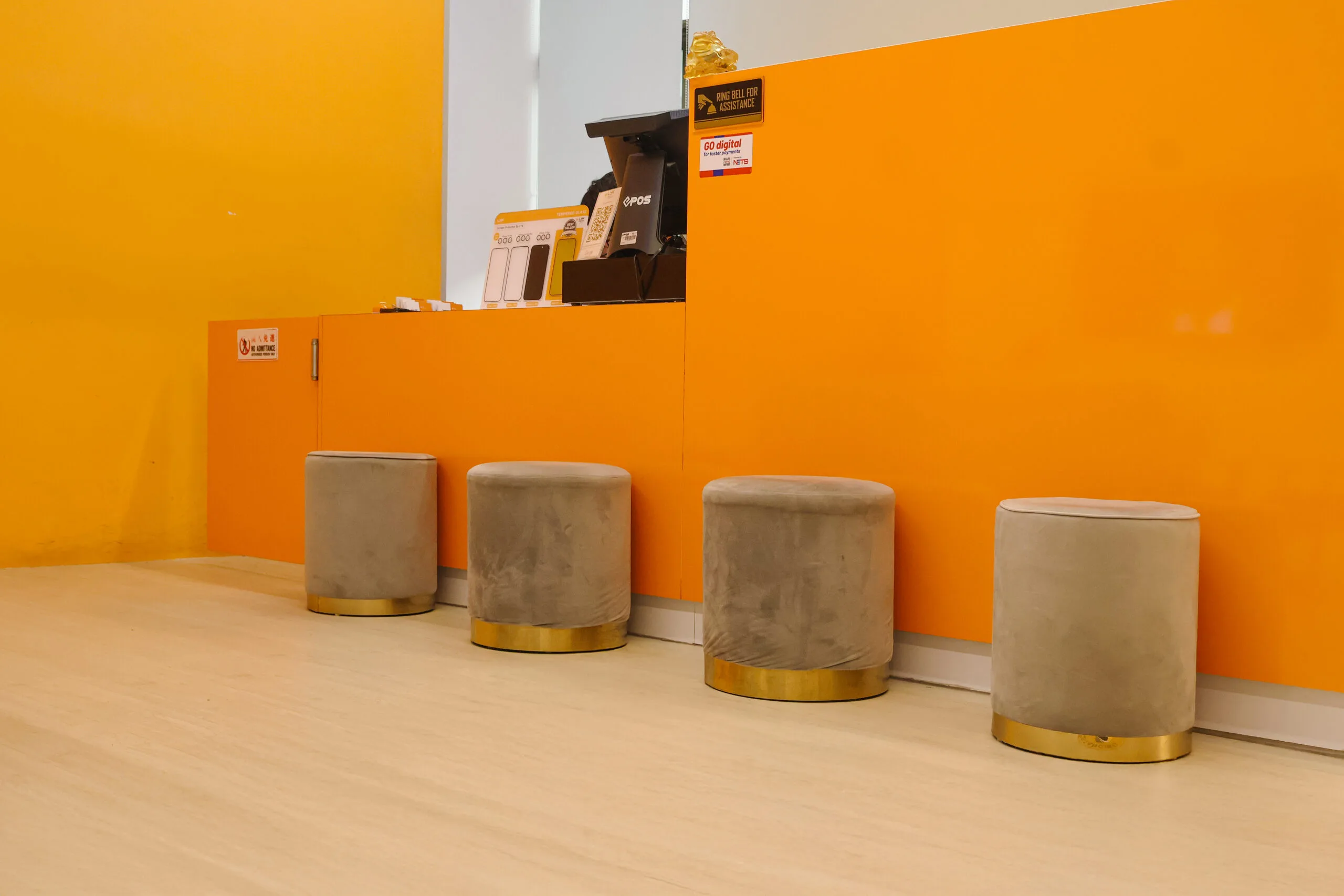
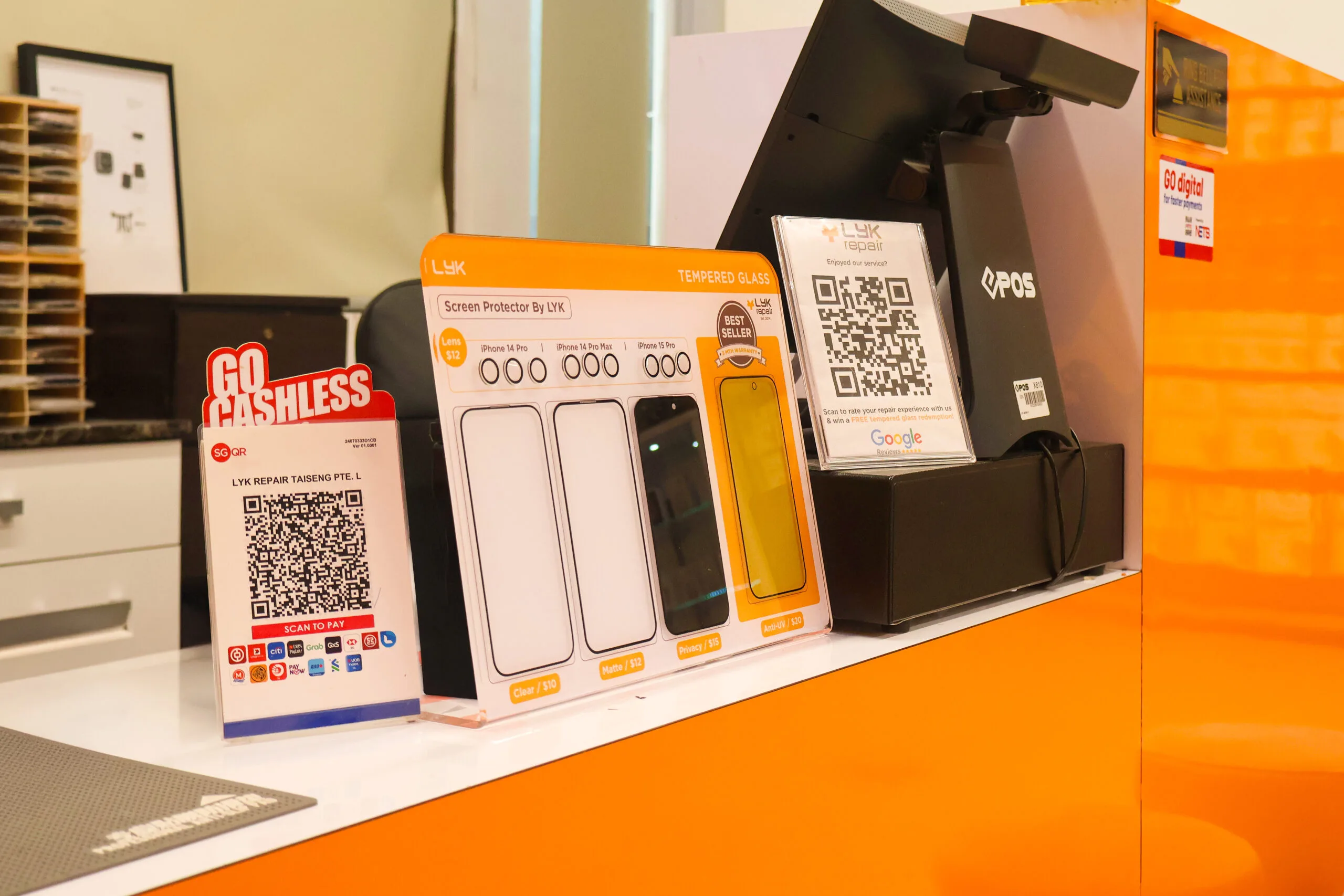
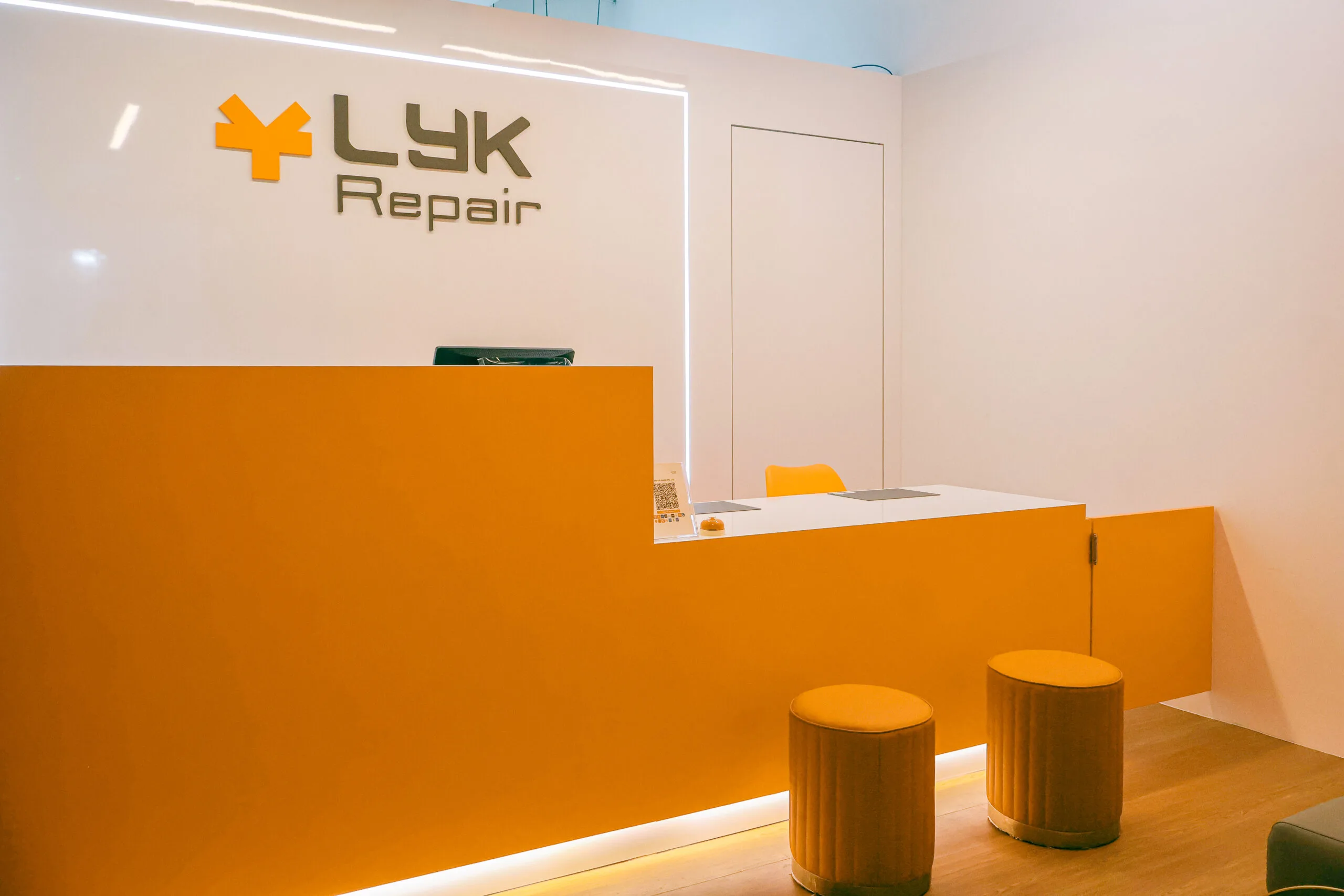
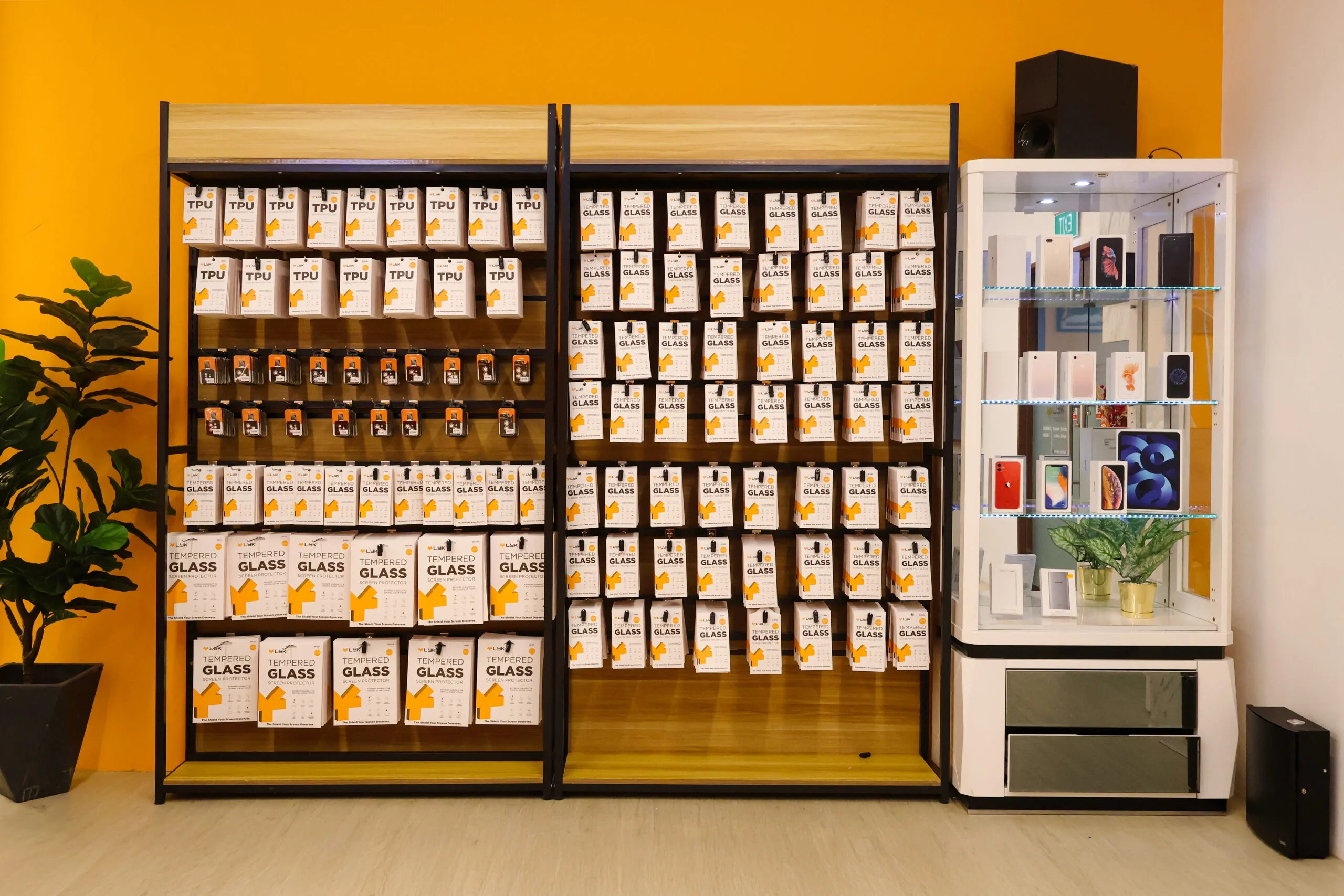

Frequently Asked Questions About Samsung Rear Camera Replacement
What are the signs that my rear camera needs replacement?
Blurry images, black screens, or error messages in the camera app are common signs.
Can I use my phone’s front camera while the rear camera is damaged?
Yes, but the rear camera won’t function until it’s repaired or replaced.
How long does rear camera replacement take?
Most replacements are completed within 30–60 minutes.
Will the new camera match my phone’s original quality?
Absolutely, we use high-quality components to restore the original camera performance.