Doorstep Repair Available•On the Spot Repair•No Data Loss•Free Diagnostic•Doorstep Repair Available•On the Spot Repair•No Data Loss•Free Diagnostic•Doorstep Repair Available•On the Spot Repair•No Data Loss•Free Diagnostic•Doorstep Repair Available•On the Spot Repair•No Data Loss•Free Diagnostic•Doorstep Repair Available•On the Spot Repair•No Data Loss•Free Diagnostic•Doorstep Repair Available•On the Spot Repair•No Data Loss•Free Diagnostic•
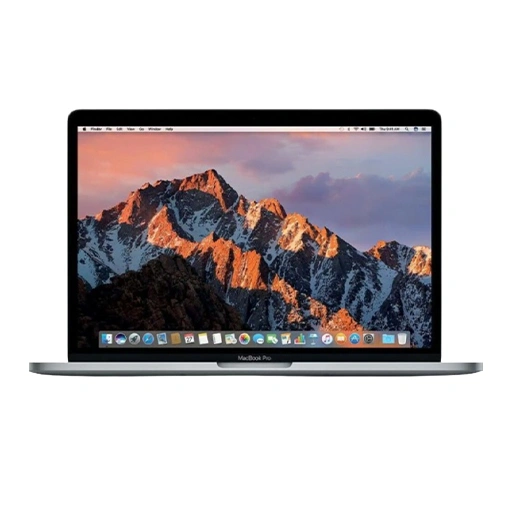
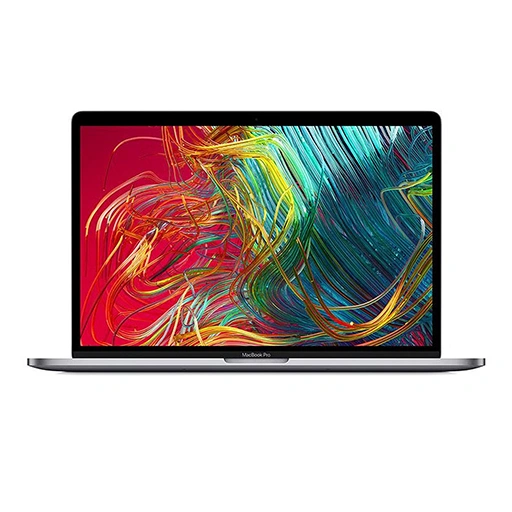
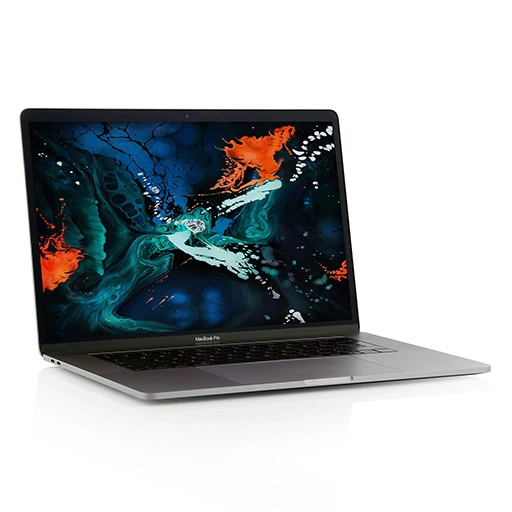
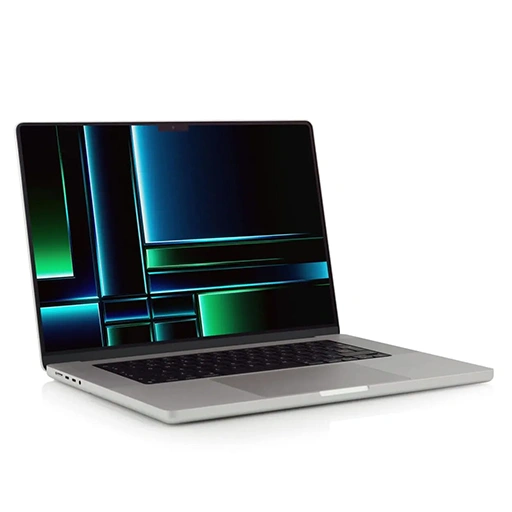
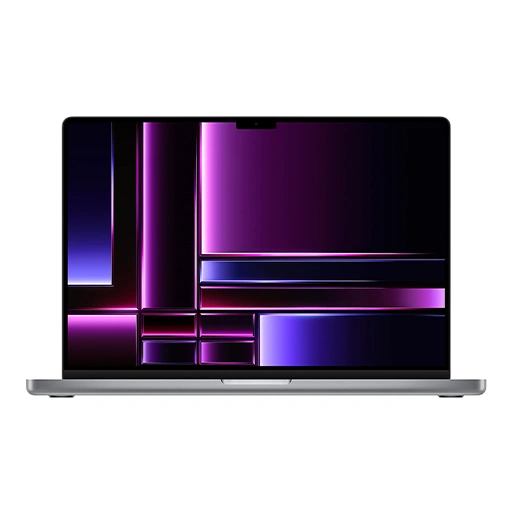
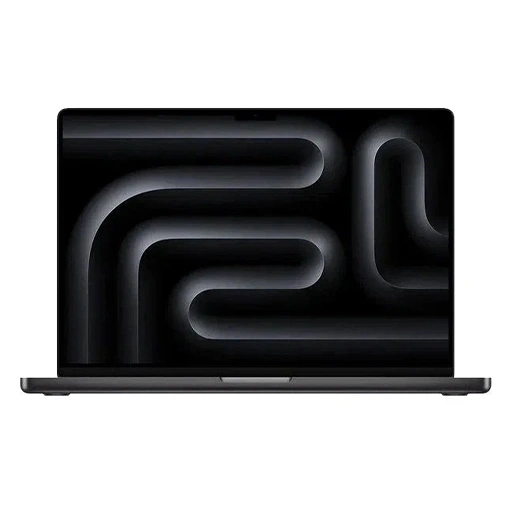
LYK Repair offers expert display backlight repair services for your MacBook Pro (13-inch 2018-2019) Touch Bar A1989 in Singapore. Our skilled technicians ensure accurate diagnostics, fast turnaround times, and the use of high-quality replacement parts to restore your device’s display performance. Trust LYK Repair for reliable repairs that keep your MacBook Pro working at its best.
LYK Repair operates multiple service centres across Singapore, including Jurong, Tai Seng, Woodlands, and Bugis, making it easy to get your iPhone repaired wherever you are. You may walk in or contact us ahead to check availability before your visit.
Operating Hours: Monday to Sunday : 11:00 AM - 9 PM
Frequently Asked Questions
How much will it cost to replace my MacBook Pro Touchbar A1989 (13 Inch) battery?
For specific pricing details on replacing an MacBook Pro Touchbar A1989 (13 Inch) battery, please enquire directly with us.
When do I need if my MacBook Pro Touchbar A1989 (13 Inch) requires battery replacement?
If you have the following symptoms, your Macbook might require Battery Replacement. Battery Health Warning, Rapid Battery Drain, Overheating or Random Shutdowns.
How quickly can I get my MacBook Pro Touchbar A1989 (13 Inch) battery replaced?
The replacement process generally takes about 30 minutes, making it a quick service for those on the go.
Is there a warranty on the battery replacement for my MacBook Pro Touchbar A1989 (13 Inch)?
Yes, MacBook repair and battery replacements come with a warranty, providing peace of mind post-repair.
Signs to Repair Your MacBook Pro Touchbar A1989 (13 Inch): Keeping Your Devices in Peak Condition
1. Bulging Battery:
If you notice that the battery of your MacBook Pro Touchbar A1989 (13 Inch) is swollen, this is a critical sign that the battery needs immediate replacement to avoid potential hazards and ensure the device’s safety.
2. Rapid Battery Drain:
Should the battery of your MacBook Pro Touchbar A1989 (13 Inch) deplete unusually quickly under normal usage conditions, it suggests that the battery’s efficiency has declined significantly. Replacing the battery can help restore optimal performance.
3. Charging Issues:
If your MacBook Pro Touchbar A1989 (13 Inch) does not charge despite being plugged into a power source, it usually indicates a problem that might require battery replacement or repair of the charging system to ensure it functions correctly.
4. Unexpected Restarts:
Frequent, unexplained restarts of your MacBook Pro Touchbar A1989 (13 Inch) could point to underlying battery issues or other hardware problems needing professional attention.
5. Battery Age:
Like all batteries, the one in your MacBook Pro Touchbar A1989 (13 Inch) will degrade over time. If you notice a significant drop in performance as the battery ages, replacing it can greatly enhance your phone’s overall functionality and longevity.